Anecdotal evidence suggests that not all iPad users are happy with the Wi-Fi signals on their magical†new devices. Without making a public acknowledgment, Apple posted a support document explaining how to solve at least one problem iPads not rejoining Wi-Fi networks after being dropped. The problem is with dual band Wi-Fi routers which utilize both the 5 GHz and 2.4 GHz frequency.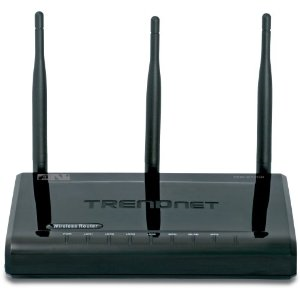
Your iPad could be affected if you are trying to connect after your device has been awakened from sleep or has been restarted. Apple says there could be a problem if your router:
- Is a Dual-band Wi-Fi Routers
- Uses the same network name for each network
- Uses different security settings for each network
Apple’s solution:
- Create different network names for each band
- Make sure that each network has the same type of security (WEP, WPA, WPA2, etc)
- If the situation persists, reset the network settings on your iPad by going to Setttings > General > Reset Network Settings
Apple has had similar issues with the MacBook Air and 3rd Generation iPod Touch (source: Betanews).
Related Posts
-
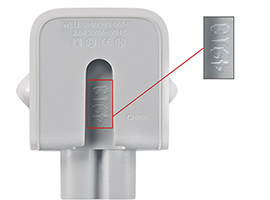
Apple is issuing a recall for its wall plug adapters, after a limited number of…
-
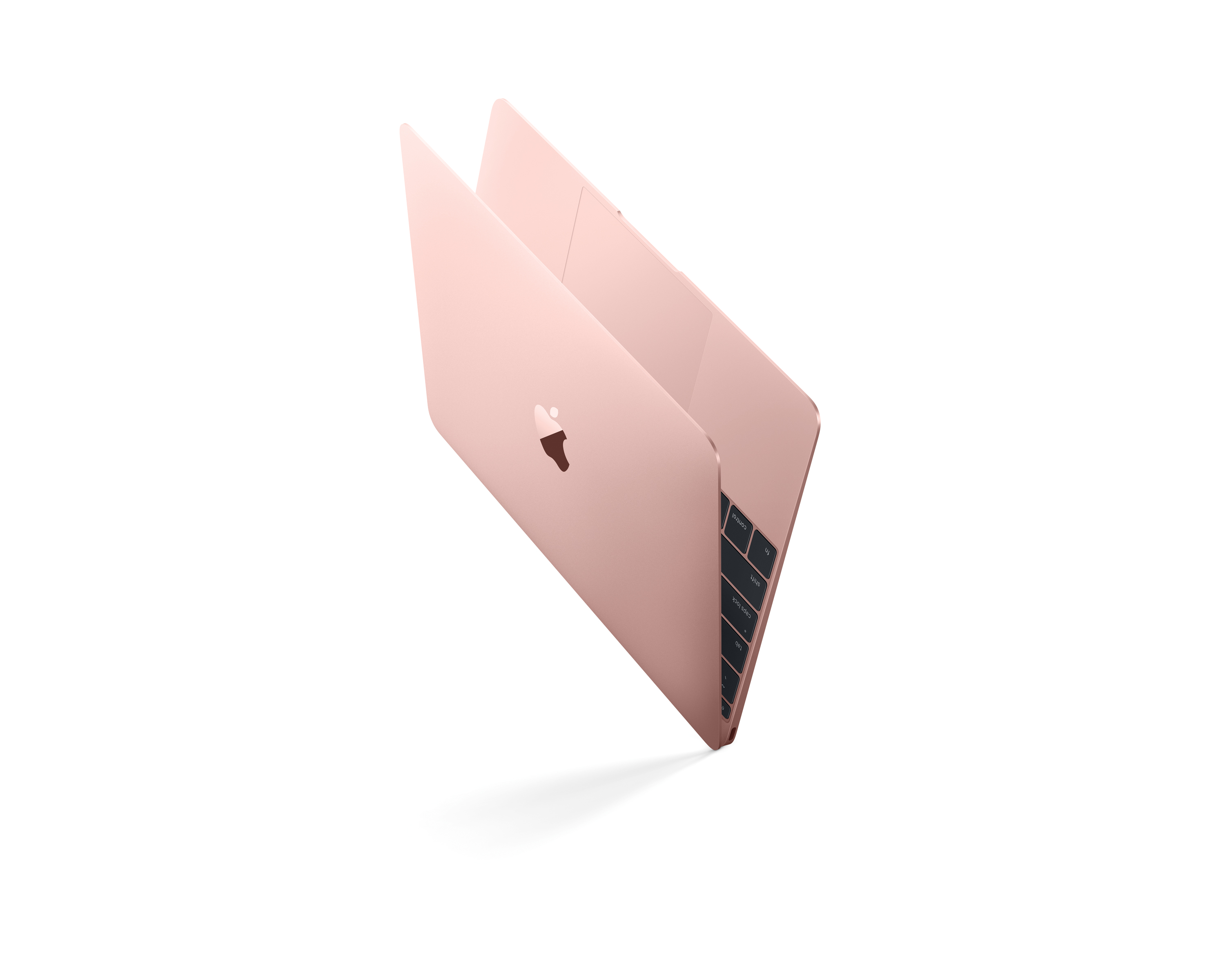
Today, Apple updated its most portable MacBook ever with a spec bump and a press…
-

If you've purchased one of Apple's 12-inch Retina MacBooks, take heed: your power cable could…