The HP Envy 15 comes in a box that looks like something you’re more likely to find at a boutique than a computer retailer. Here are some photos that show what the Envy 15’s packaging looks like and what’s inside the box.
As configured, the HP Envy 15 is the most powerful five pound notebook on the market. As you can see in the image below, this envy 15 comes with an Intel Core i7-720QM processor, dual 160GB solid state drives, 16GB of DDR3 RAM and ATI Mobility Radeon HD 4830 graphics with 1GB of deicated graphics memory.
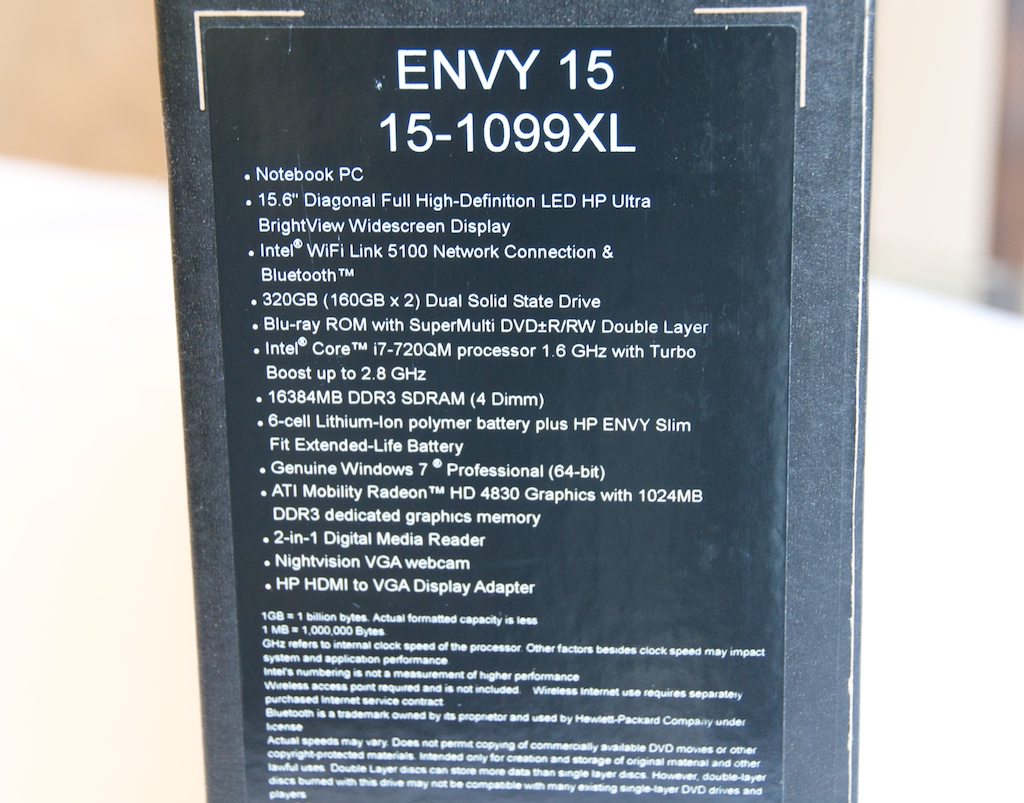 The above picture is the label on the outer box, which is what the Envy 15 ships in.
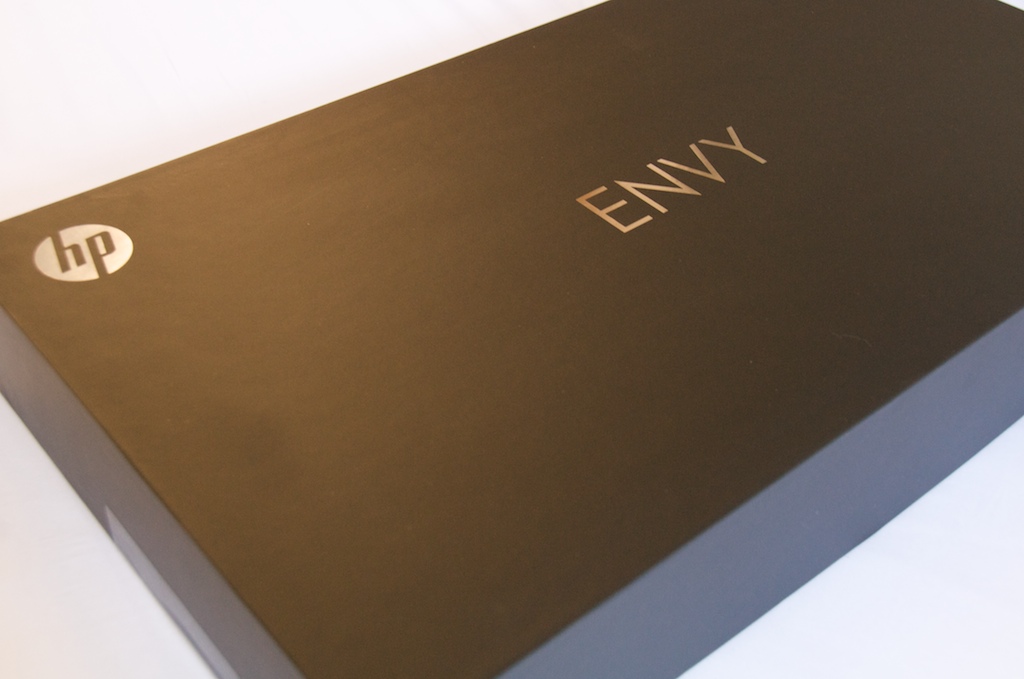
Inside the shipping carton is a much nicer box that looks more like a jumbo jewelry box. The HP and Envy logos are embossed in silver.
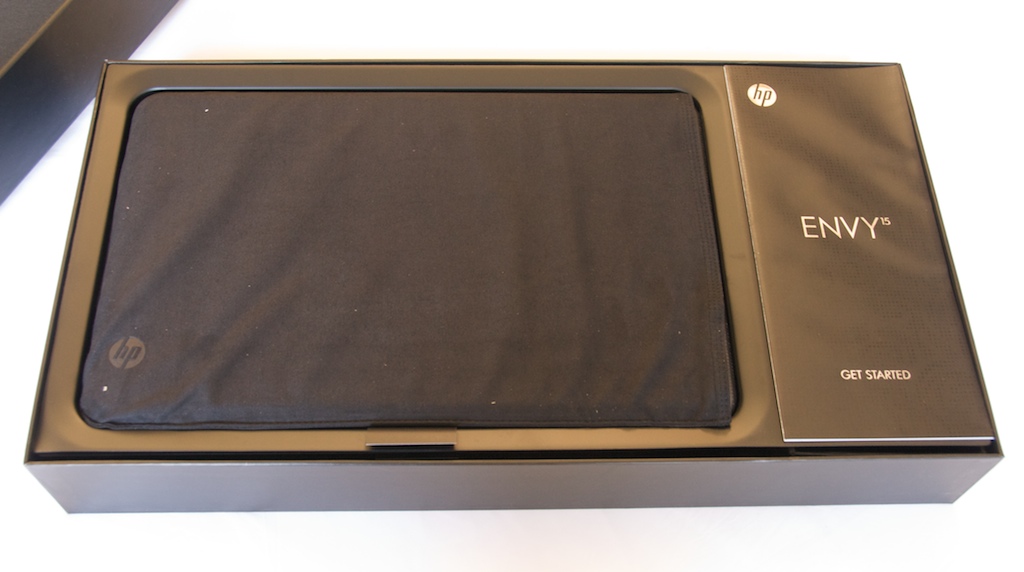 With the top of the box removed you can see the Envy 15 wrapped in a plush protective sleeve. On the right is the Envy 15’s quick-start guide.
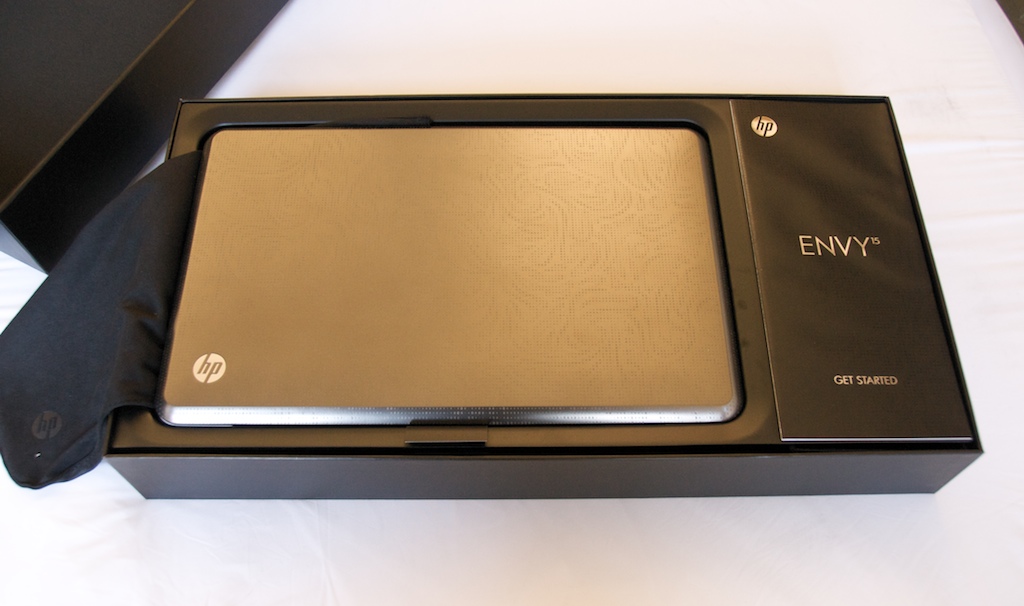
With the sleeve removed you can see that the Envy 15’s laser-etched design.
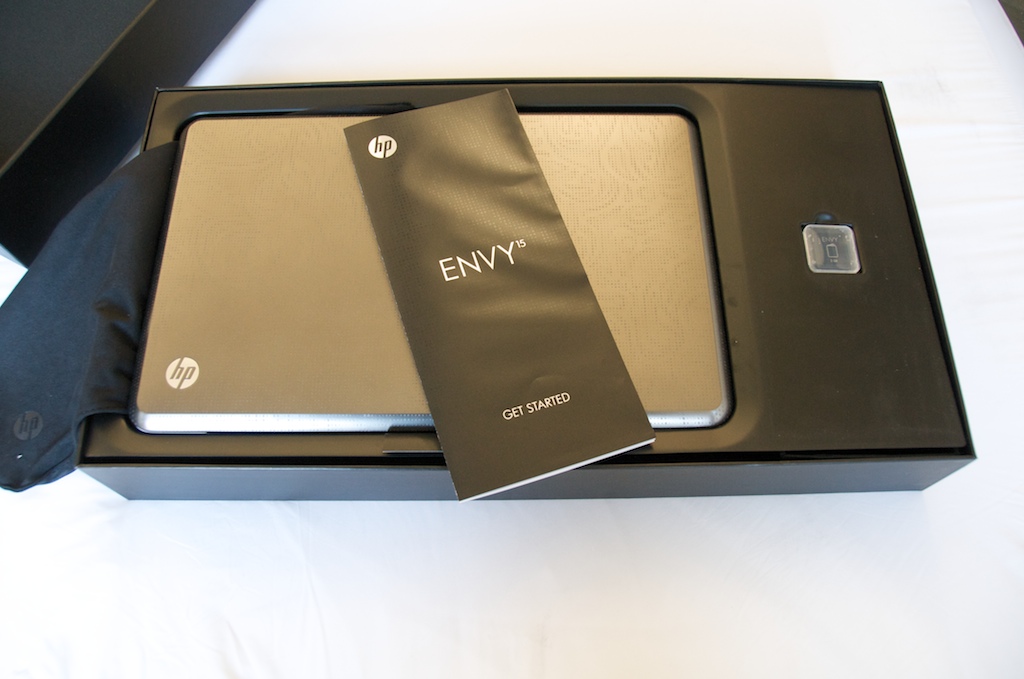
Beneath the quick start guide is an SD card slot.
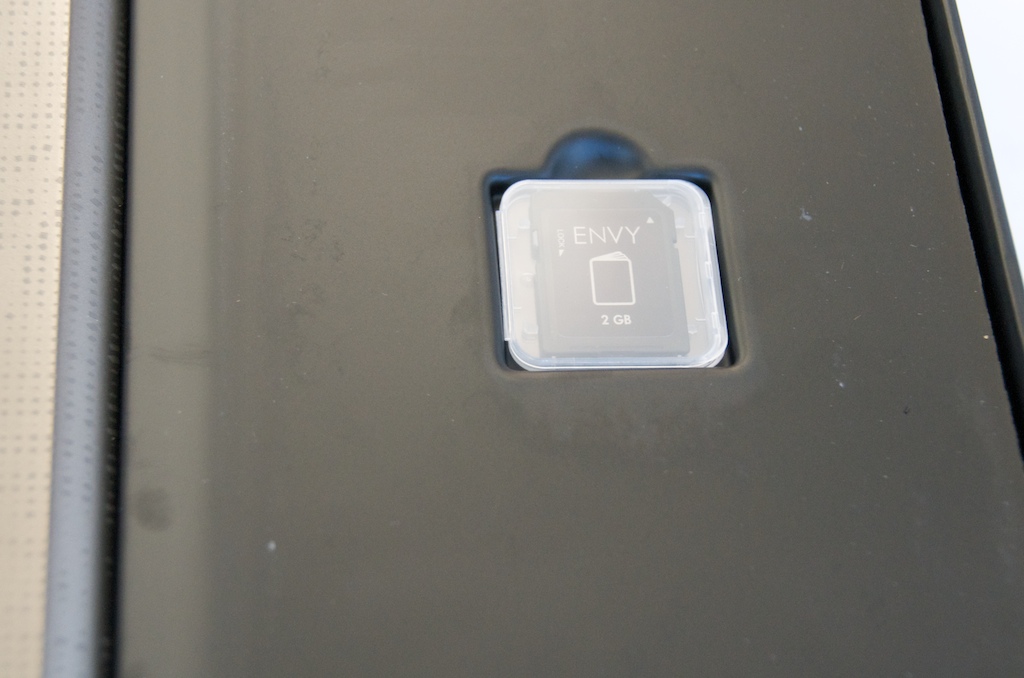
As you can see, the Envy 15’s packaging is pretty refined. The SD card has the Envy logo and is placed in its own special holder. We’re used to seeing most HP Notebooks’ accessories all thrown in one big compartment.
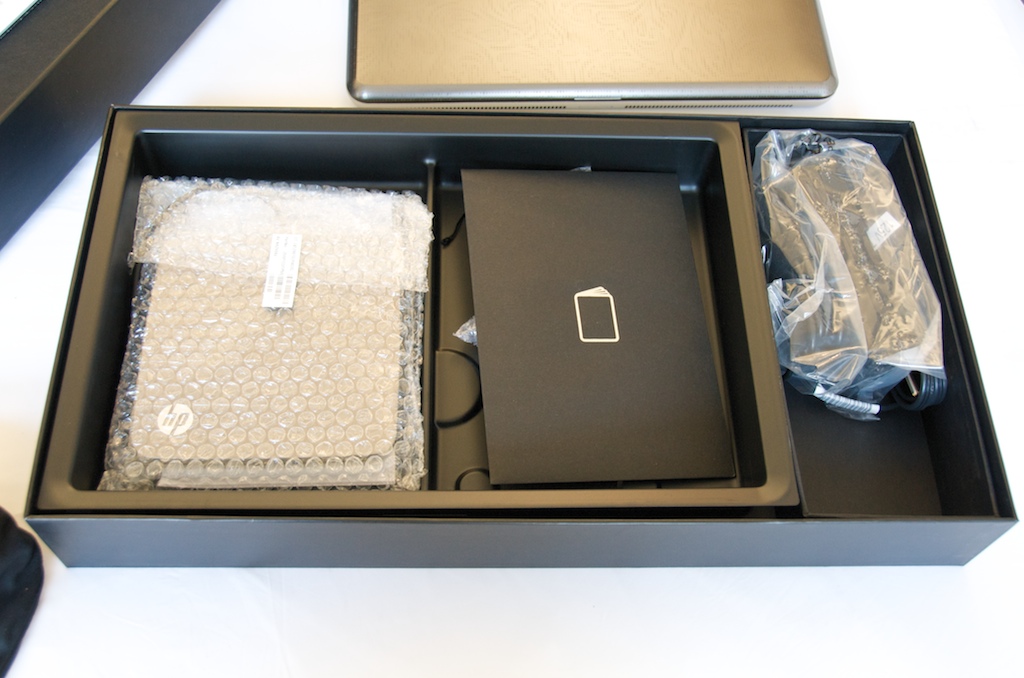
Removing the plastic layer that holds the Envy 15 and the SD card reveals the bulk of the accessories, wrapped in plastic. On the left is the external Blu-ray Disc drive. In the middle is a documentation packet, including warranty information. On the right is the AC adapter.
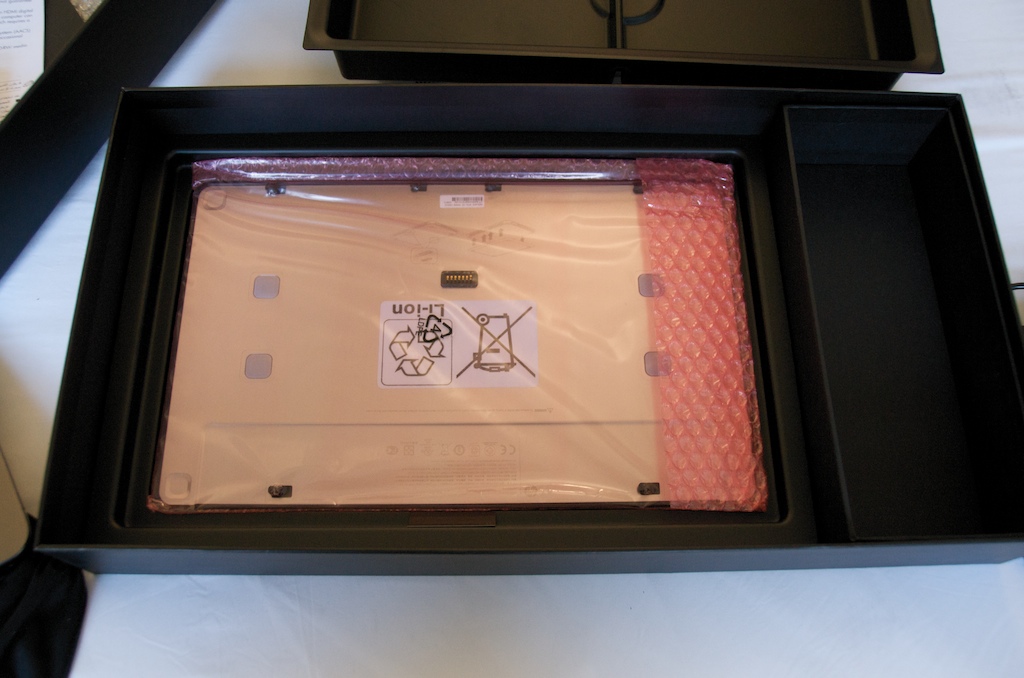 Removing the second plastic layer reveals the extended slice battery.
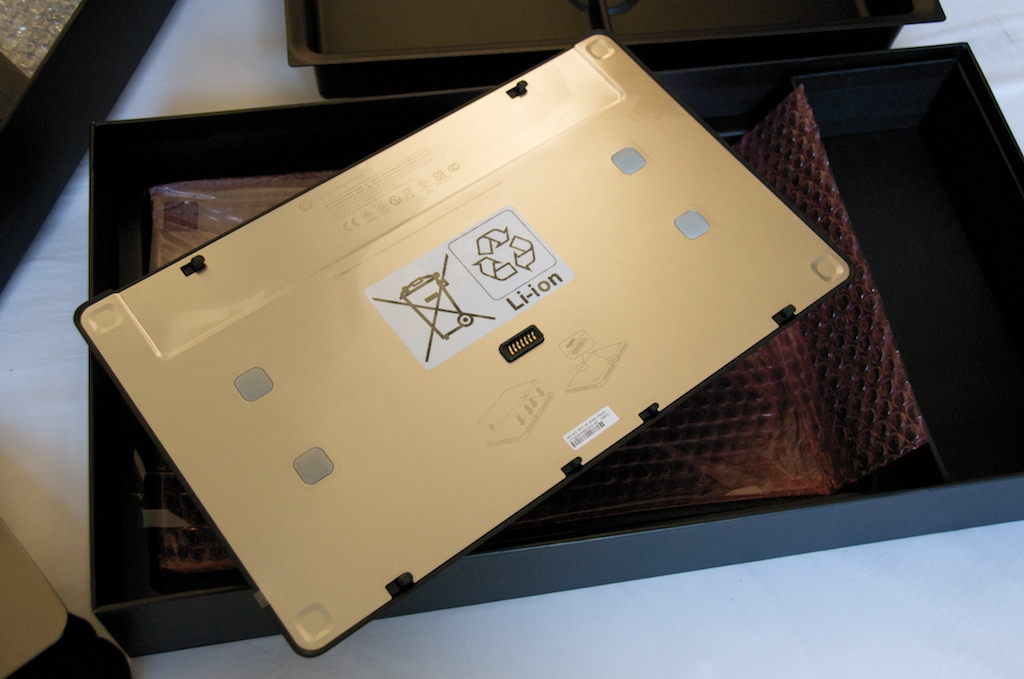
Here you can see the top of the extended battery. It has the same footprint as the bottom of the notebook.
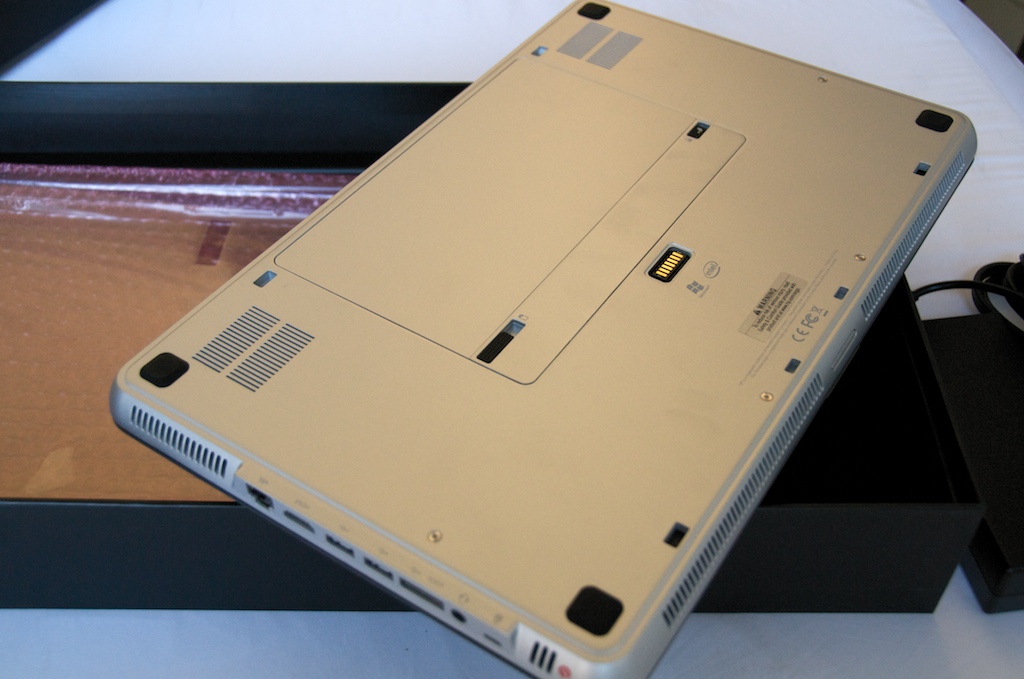
This is the bottom of the Envy 15. It has a very clean design. You can see a couple of vents, the primary six-cell battery. There are several slots on the bottom and top enge for teh slice battery to hook into. The copper square in the middle is where the slice battery actually interfaces with the Envy 15.
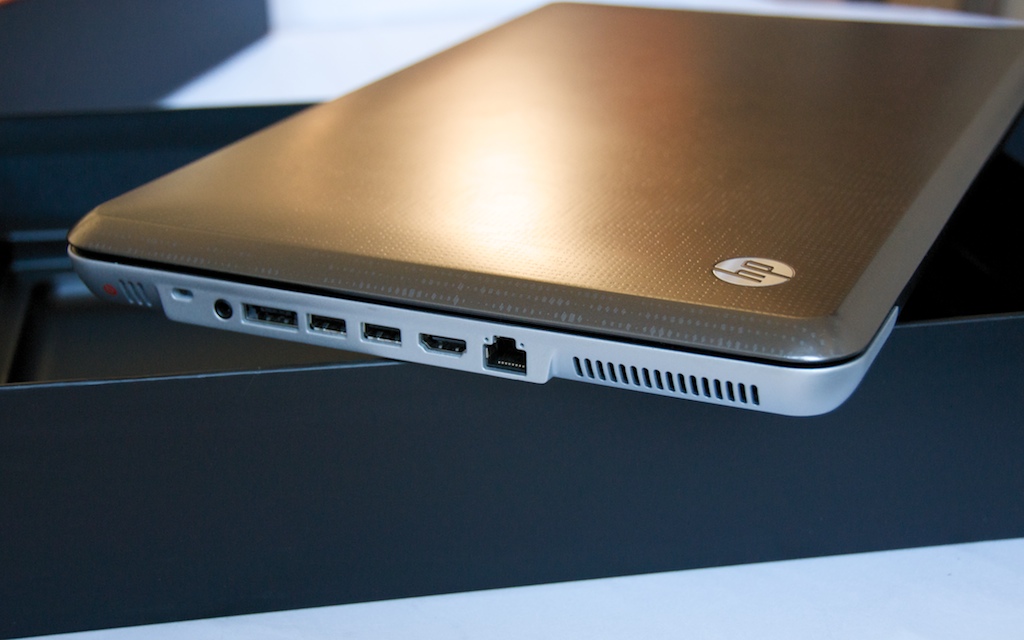
The is is the right edge of the Envy 15 without the extended battery attached.
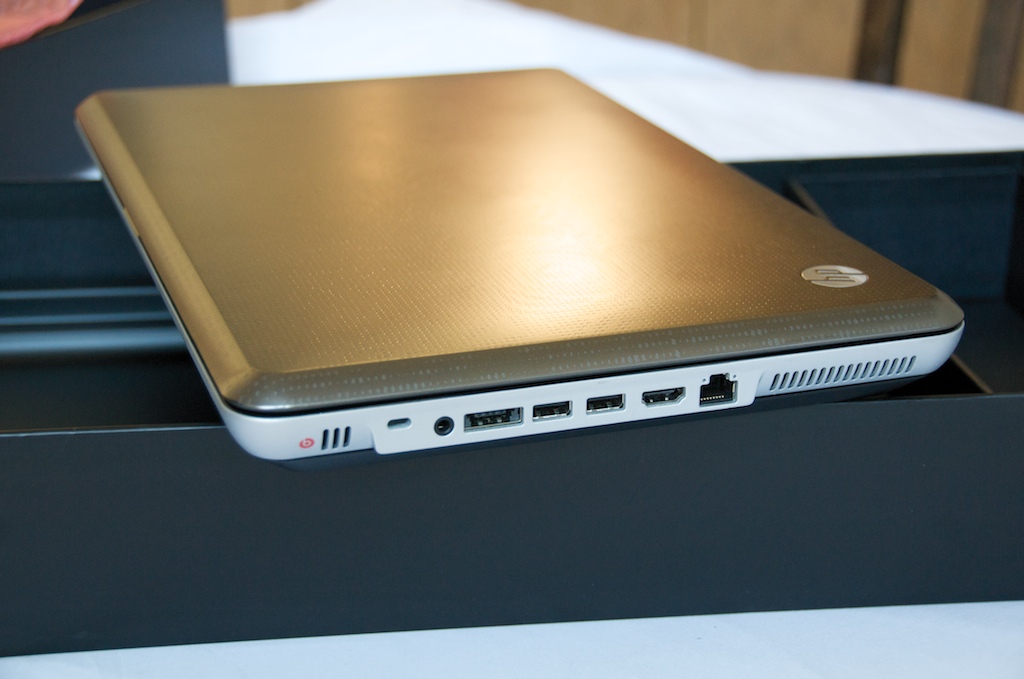
This is the same edge with the slice battery attached. You can see the small black line below the base of the machine. While it does add significant thickness and weight, HP’s done a very good job of making the battery look good, unlike the bulky batteries we often see hanging off the rear of notebooks.
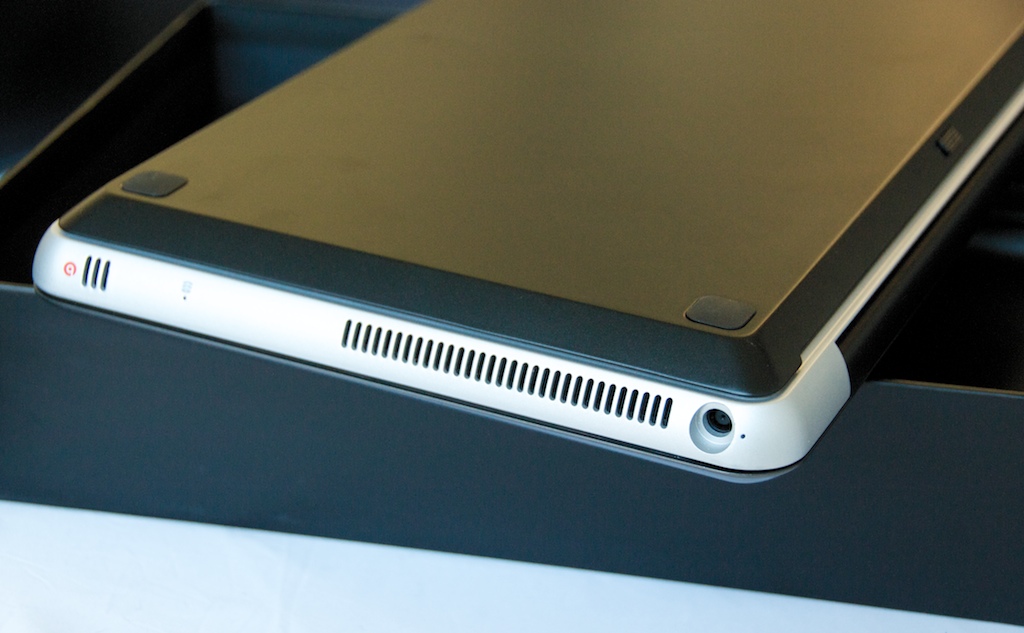
Here’s a closer look at the extended battery with the Envy 15 flipped upside down.
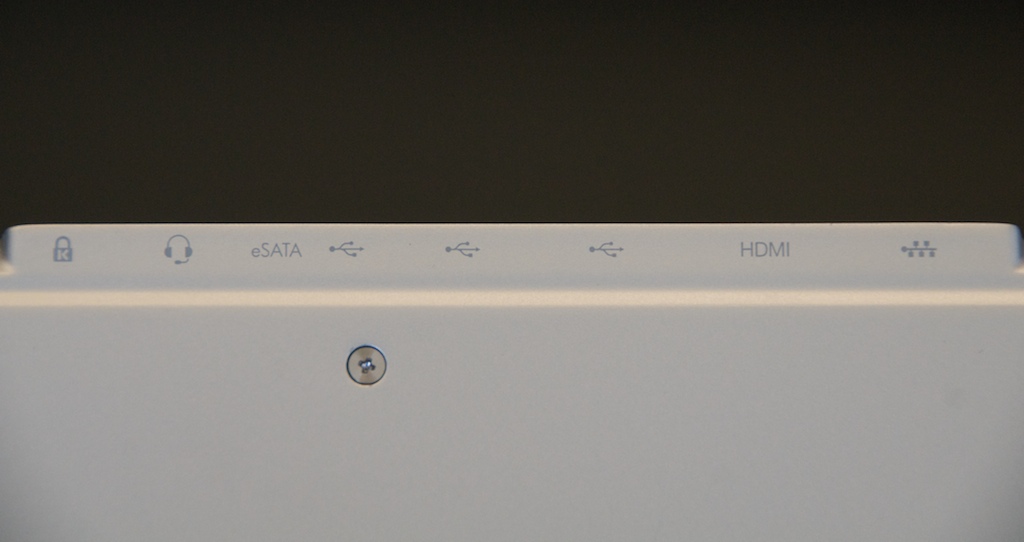
The ports are labeled on the bottom of the machine just in case you don’t know what each of them are for. Of course having them on the bottom of the computer makes them impossible to see when you’re actually using it.
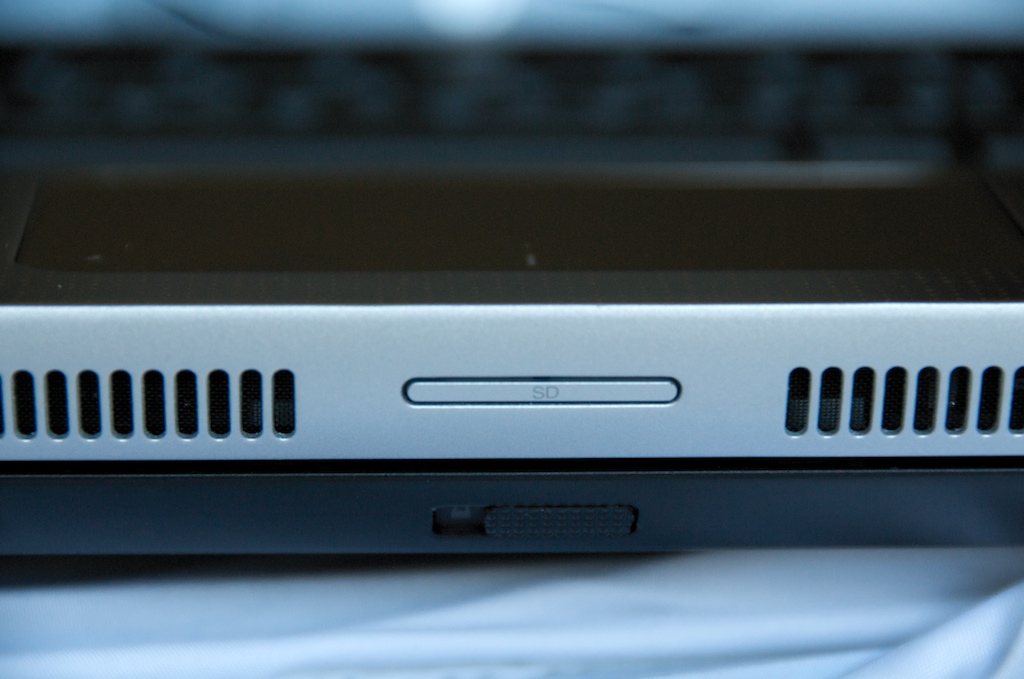 The Envy 15 is pretty symmetrical, except for all of the ports being thrown off to one side. The SD card slot is on the front edge, between the speaker grills and beneath the touchpad.
Related Posts
-
Some Windows 10 PC makers are focusing on offering powerful hardware for less than you’d…
-
The newly announced HP EliteBook x360, announced at CES 2017, brings together both business class…
-
Windows PC maker HP is looking to go from an outlet that prizes utility to…