The Windows 7 Desktop puts a lot of power in your view, for Windows XP users in particular, I would like to get you up to speed on some of the improvements. I hope to make this a series of post touring the changes that have been introduced in this release. Lets see what’s new.
Click HERE to enlarge and see a bigger view of the Windows 7 Desktop Tour
Click HERE to enlarge


Click here to enlarge

Click here to enlarge

Click here to enlarge
Control Panel contains a collection of new items that help be more productive, keep your information and computer secure and easily maintained.
As we approach the final release of Windows 7 coming this October, there is a lot to expect, these early previews are just glimpses of some of the powerful capabilities users will be able to immediately taking advantage of. Windows 7 promises to truly redefine how you work with your personal information and the view from the desktop has never been more fun.
Related Posts
-
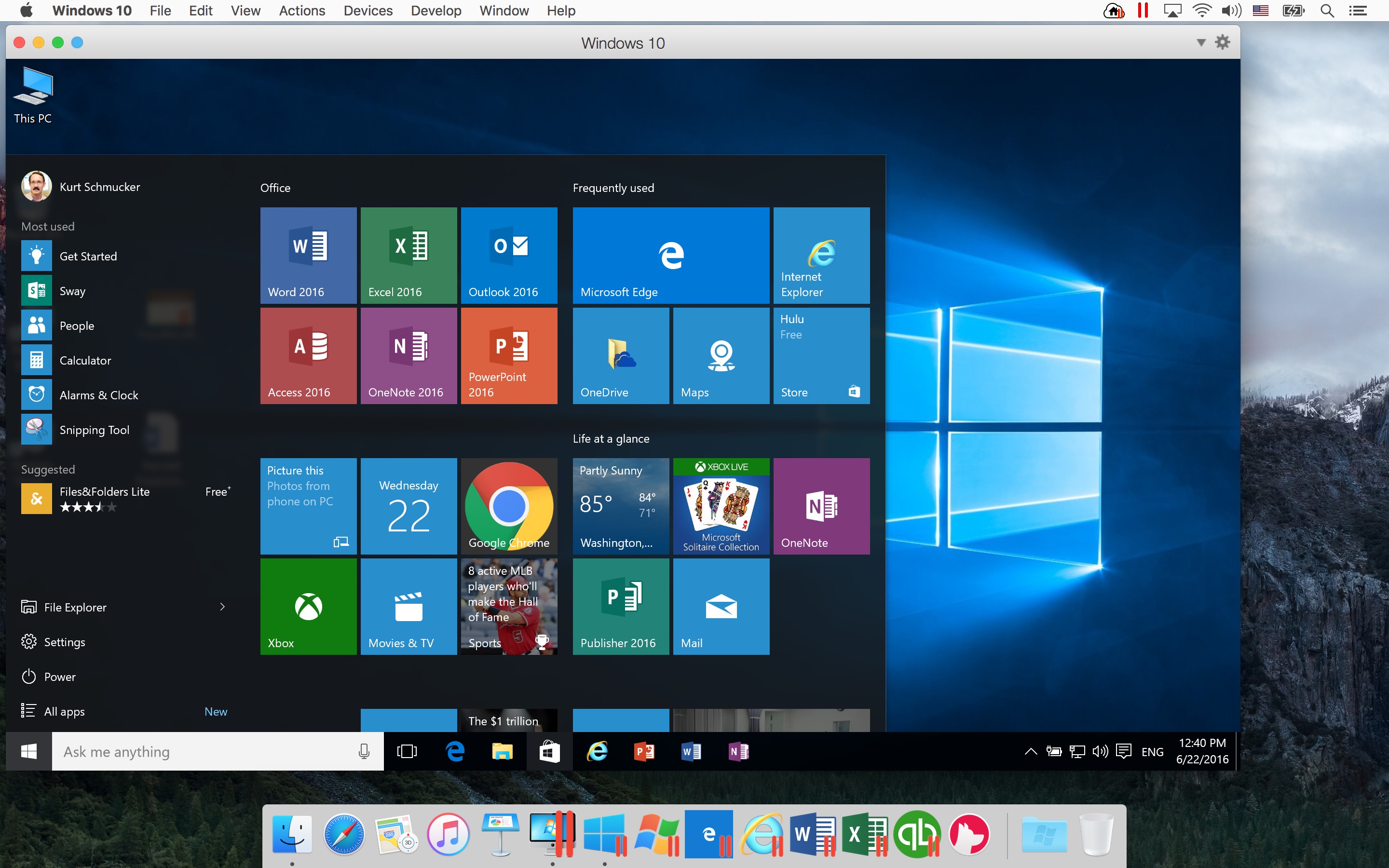
Parallels helps Mac users run virtual machines with other operating systems like Windows, Linux and…
-
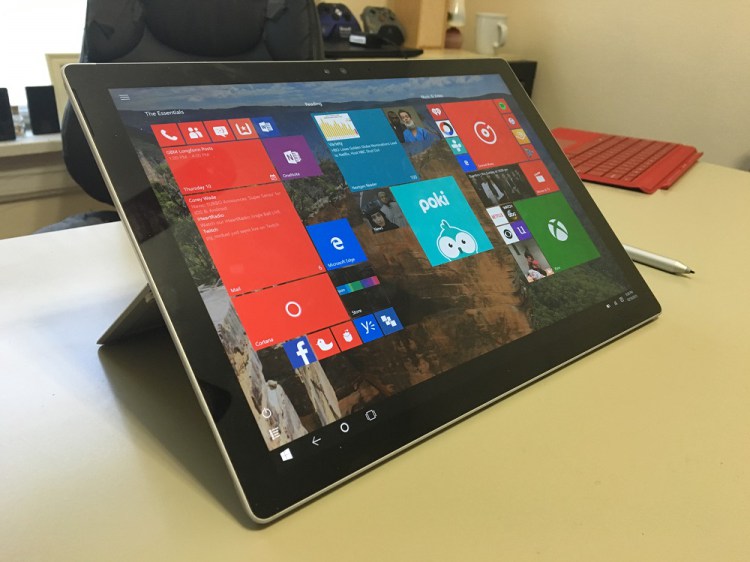
Microsoft’s Windows operating systems let users do a lot of things. Every day, machines loaded…
-
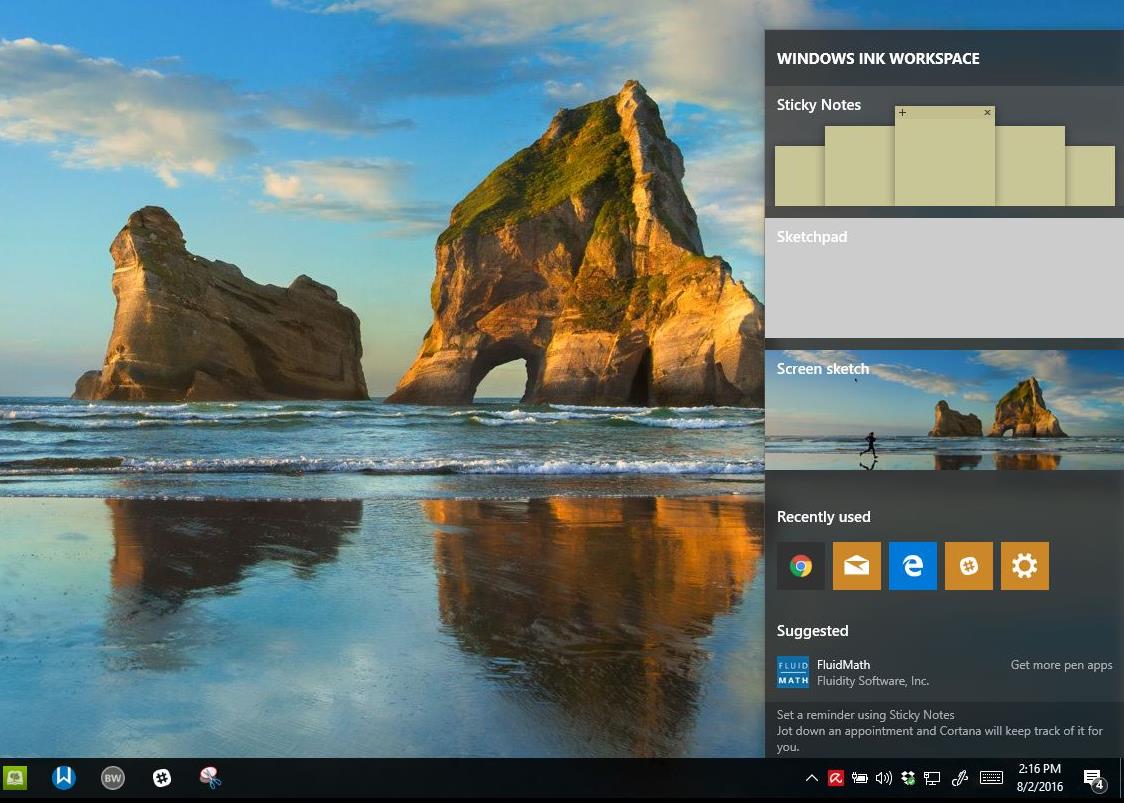
On August 2, 2016 the Windows 10 Anniversary Update came out with some cool new features…