I was pleasantly surprised when I got my hands on the Elevator laptop stand by Griffin Technology. The photos on their site led me to believe that it was thin, frail, and could possibly snap if too much weight was applied to it. I am happy to say that the photos don’t do it justice!
Quite simple by design, the Elevator is an extremely well made product. The unit is made of two very sturdy pieces of aluminum and a single piece of thick plastic that joins it all together. The bottom features large rubber pads that not only prevent the hard aluminum and plastic from scratching your desk, but also keep the entire unit from slipping while in use. The aluminum arms that lift the laptop are extremely strong and would take more pressure than any one person would ever apply to them to bend or snap. Where your laptop will lay along the arms are long rubber strips which kept my precious Macbook Pro in place just fine. The arms are also slightly angled downward to give you access to your keyboard and trackpad if needed.
The Elevator is best used for those wanting to run a dual monitor set up with their laptop . An extra keyboard and a wireless mouse and your all set to go. The height of the unit elevates your laptop 5.5 inches off your desk and reduces neck strain. It takes up minimal desk real estate and allows for optimal air flow around and under your laptop.
The single qualm I have with the Elevator is that the height is not adjustable.
Watch my video below for more details (Yes I know I called my Macbook Pro my iMacâ€.).
Quick Overview:
- Sturdy, space saving design
- Improves ergonomics with use of external keyboard & mouse
- Increase air flow keeping your laptop cool
- Fits all laptops, Mac & PC
- Great price at $39.99
Related Posts
-

The Mission Mercantile Laptop Sleeve and Laptop Sleeve Vertical are a beautiful way to carry your…
-
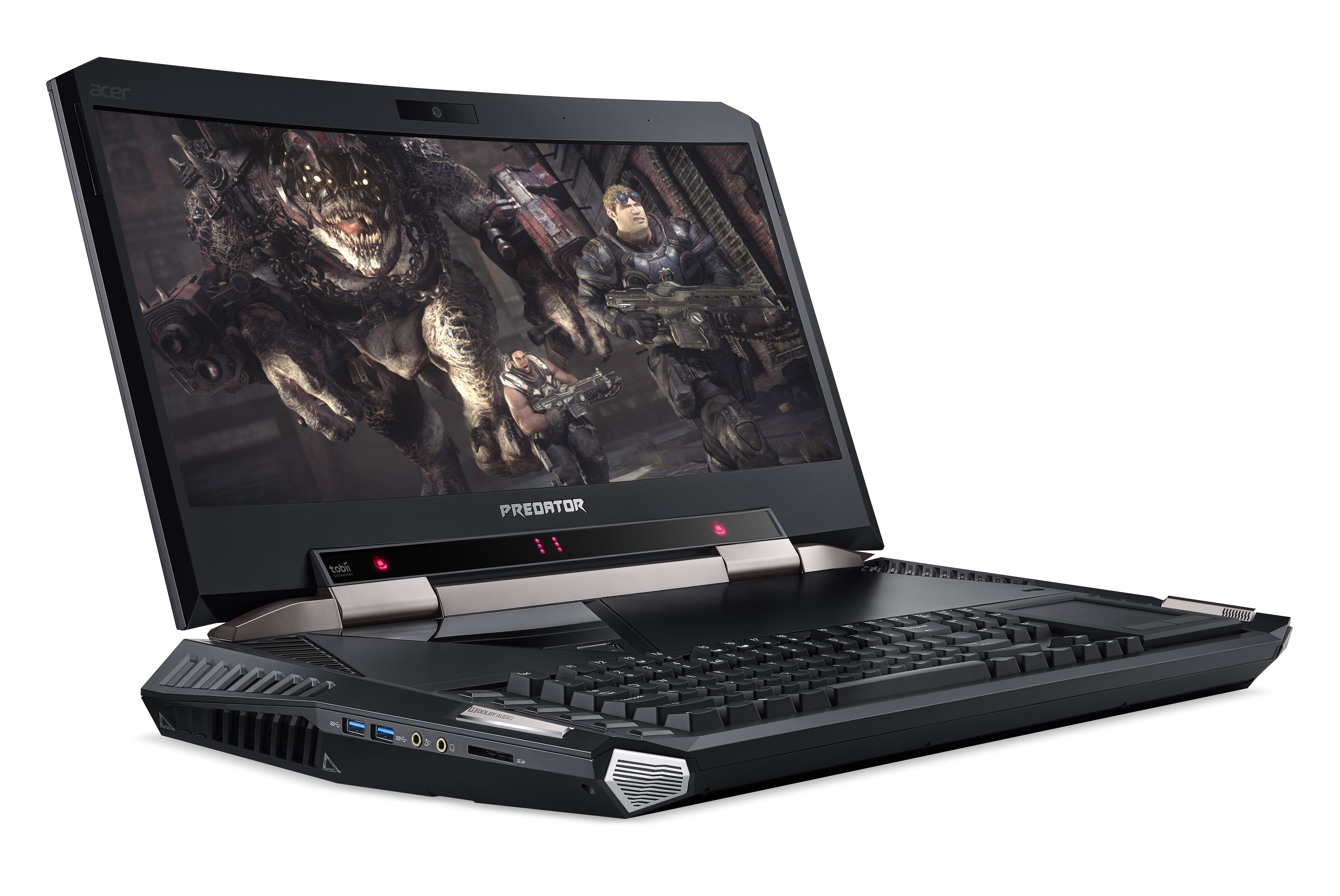
On a desktop, 21 inches seems like a small monitor, but the Acer Predator 21…
-

The newly announced HP EliteBook x360, announced at CES 2017, brings together both business class…