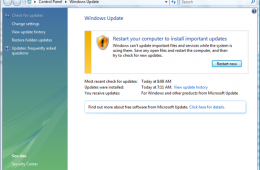
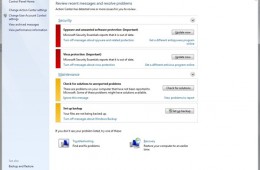
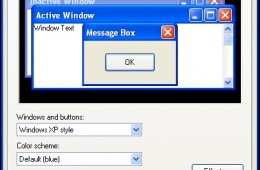
Not everyone gets to know the exact date they're going to die and most people don't want to know. But millions of computers worldwide are staring a kind of deat...
If you would like to automatically log into Windows 7, you can have the operating system do so. There is a potential security risk, I strongly would not recomme...
Just like downloading offline definitions for your Antivirus utility, you can do the same for Windows Updates. If you are on a slow connection, or lack the cons...
Apple is expected to debut its next major release of Mac OS X, the Company’s flagship operating system for its Macintosh computer. Apple describes this release ...
If you have recently upgraded to or want to upgrade to Microsoft’s latest web browser, Windows Internet Explorer 9 and you are experiencing some technical diffi...
Last week Microsoft announced the availability of Internet Explorer 9 Release Candidate. If you have not upgraded to the Release Candidate, before you do so, ma...
Here is a quick look at how to install the Internet Explorer 9 RC. Please note that Internet Explorer 9 Release Candidate is pre-release software. Although this...
If you are planning to do a reinstall of Windows 7 , then this article might be of interest to you. If you didn’t know, Microsoft sells Windows 7 in both a Full...
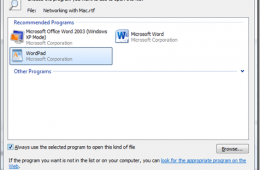
When you install Windows 7 or get a new PC with Windows 7 installed, by default, there are programs setup to do certain things. Whether it's editing text, viewi...
We know. You want to ask what we are thinking, downgrading from Windows 7 to Windows XP, but despite our desire to move forward there are still users and organi...
Today we are going to take a look at upgrading to Microsoft Office 2010. Upgrading to new versions of Microsoft Office is a fairly mundane task, but there are ...
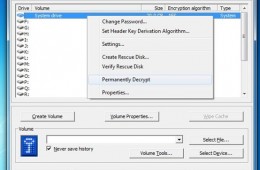
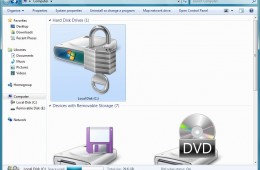
In our previous Notebooks.com article, we took a look at the encryption capabilities built into specific editions of Windows 7, Ultimate and Enterprise. For tho...
Protecting personal data, especially intellectual property, is one of the major concerns of businesses and individuals today. Billions of sensitive data transac...
When Windows Vista reached the beta 2 stage of development, one of the touted features of the new operating system was a feature called ReadyBoost. The purpose ...
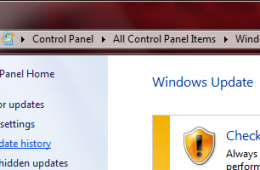
A couple of weeks ago Microsoft released a healthy dose of updates for our Windows systems. Not everyone will welcome this with joy, since Windows Updates, alth...
We recently explored how to fix many common network issues in Windows 7, and now we want to look at how to fix similar networking issues in Windows XP and Windo...
Windows 7 includes many advancements to networking that simplify communication, access to information and resources whether in the home or workplace. Of course,...
Making your operating system communicate with you can be a daunting task. Its something researchers have been working on for many decades now. Microsoft with Wi...
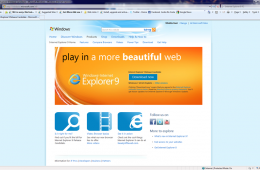
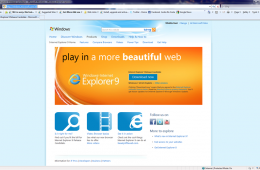
This week Microsoft introduced us to a new experience, a new way of enjoying the web, the beauty of it specifically. The web browser has changed dramatically o...
Is the default text size in Windows too small for you or an aging relative? If so, there are several easy ways to increase the font size across Windows and an e...