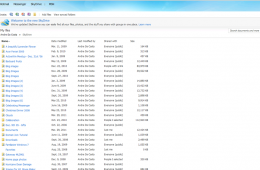
Microsoft announced an update to Skydrive, the company's cloud storage service that lets you store 25GB of documents, photos and even music for free. Although s...
Regardless of the industry push towards cloud computing for new approaches to software distribution, backing up data and publishing media (music, videos, audio)...
For the past month Andre, one of our knowledgeable bloggers, has been working to introduce readers to Windows y. His very detailed and easy to follow guides cover everything from choosing what version of Windows 7 fits your needs to a Guided tour of the new operating system. This post brings all of his guides to one central location so that you can learn how to do practically anything in Windows 7.
The Windows 7 Desktop puts a lot of power in your view, for Windows XP users in particular, I would like to get you up to speed on some of the improvements. I hope to make this a series of post touring the changes that have been introduced in this release. Lets see what's new.
Windows Explorer has gone through some significant enhancements in Windows 7, featuring a more refreshing, cleaner design that focuses on simplicity and accessibility. In this article we take a look at some of the changes and improvements such as the new text only Command Bar buttons and Libraries which focuses on aggregating data from desperate locations shared between multiple PC’s within your home network.