An IP Address (IP stands for Internet Protocol) is a unique address which identifies your computer on a network. Whether it’s a home network, a business network...
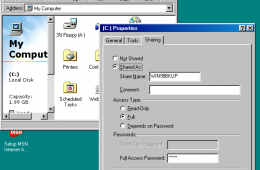
Yes, you read right, we're going to show you how to network Windows 7 and Windows 98. Now, some people might be wondering if we have ran out of ideas or experie...
If you are new to Windows 7 or you are still discovering its wealth of new features HomeGroup is one you should check out. In a previous article we did an intro...
On Black Friday Best Buy will be offering big discounts on everything from laptops to HDTVs. In addition there will be a slew of other electronics and accessori...
Have you ever returned to a firends house and tried to connect to their WiFI without any luck? Just yesterday I stopped by my brother's for a visit and while I ...
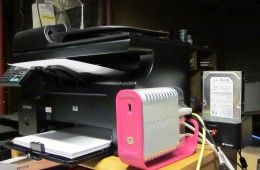
Pogoplug is the network attached storage box with a distinctive Pink and White exterior that helps users backup, store, and share files over their network and e...
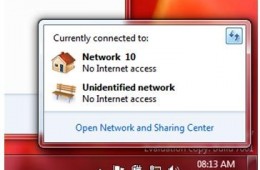
We recently explored how to fix many common network issues in Windows 7, and now we want to look at how to fix similar networking issues in Windows XP and Windo...
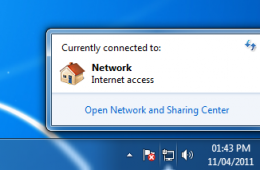
Windows 7 includes many advancements to networking that simplify communication, access to information and resources whether in the home or workplace. Of course,...
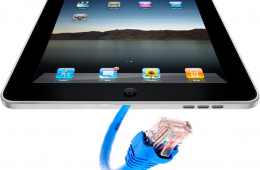
The network gurus at the Princeton University Office of Information Technology discovered another issue with the way the Apple iPad handles Wi-Fi connections. T...
For the past month Andre, one of our knowledgeable bloggers, has been working to introduce readers to Windows y. His very detailed and easy to follow guides cover everything from choosing what version of Windows 7 fits your needs to a Guided tour of the new operating system. This post brings all of his guides to one central location so that you can learn how to do practically anything in Windows 7.
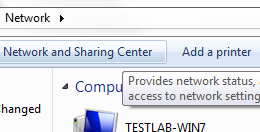
In Windows 7, the Windows Team has added improvements to networking and sharing data among multiple computers in the home. You can easily share information and resources such as Documents, Pictures, Music, Videos and Printers with just a password.
Windows Explorer has gone through some significant enhancements in Windows 7, featuring a more refreshing, cleaner design that focuses on simplicity and accessibility. In this article we take a look at some of the changes and improvements such as the new text only Command Bar buttons and Libraries which focuses on aggregating data from desperate locations shared between multiple PC’s within your home network.