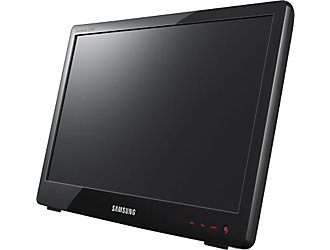
Adding a monitor to your workspace is an easy way to become more productive and for most notebook owners turning your desk into a dual display work zone is as simple as adding a monitor and extending your desktop. Over the last year the cost of a new monitor has dropped drastically making it very affordable to add a 20″ monitor to your small notebook or netbook.
When I was pricing out a new monitor at Staples I was pretty impressed to see a new monitor from Samsung that sits right on your desk, like the HP TouchSmart series and other All-in-ones, making it easier to line up your monitor with your notebook. Because many cheap monitors don’t offer many adjustments this caught my eye and it certainly beats pulling out a stack of books to line up your notebook with a monitor.
The Samsung SyncMaster LD220 is pretty cool, but unfortunately its $250 pricetag is just too much for me. If it came with a touchscreen then we might be able to talk! Still, I like the form factor and if you can find it on sale, or clearance, you might be able to score a good deal.
I really wish the Apple iPad would be able to function as a second screen. Could you imagine the potential of propping the iPad on an easel next to your Macbook Pro and gaining a 9.7″ touchscreen? Wouldn’t that be a great way to add value to the iPad and help you find a place for it in your life? I know it would double the usefulness of Apple’s latest gadget for me, but I’m not holding my breath.
Related Posts
-
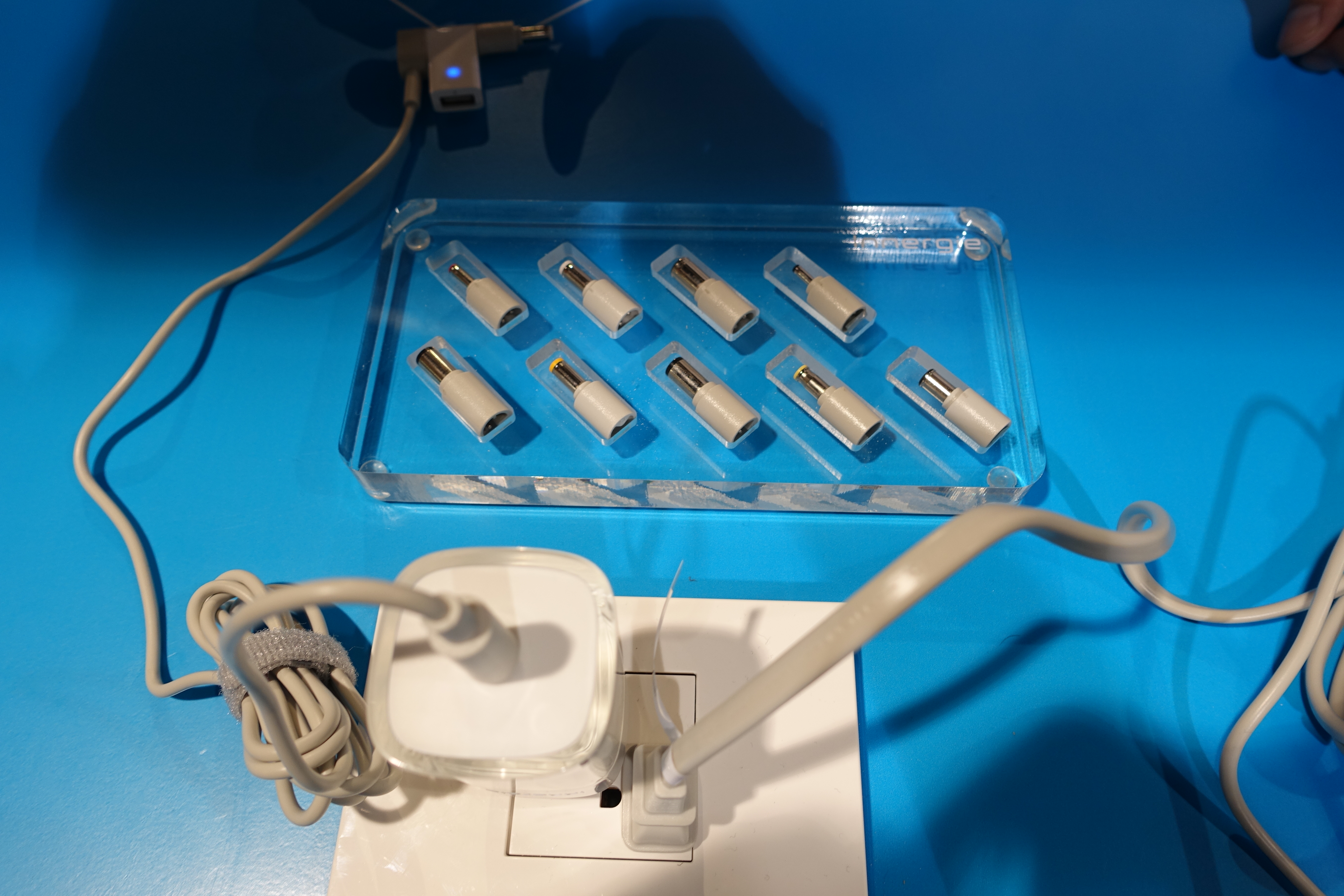
Carrying a bulky charger can really cut down on the portability of your notebook. We've…
-
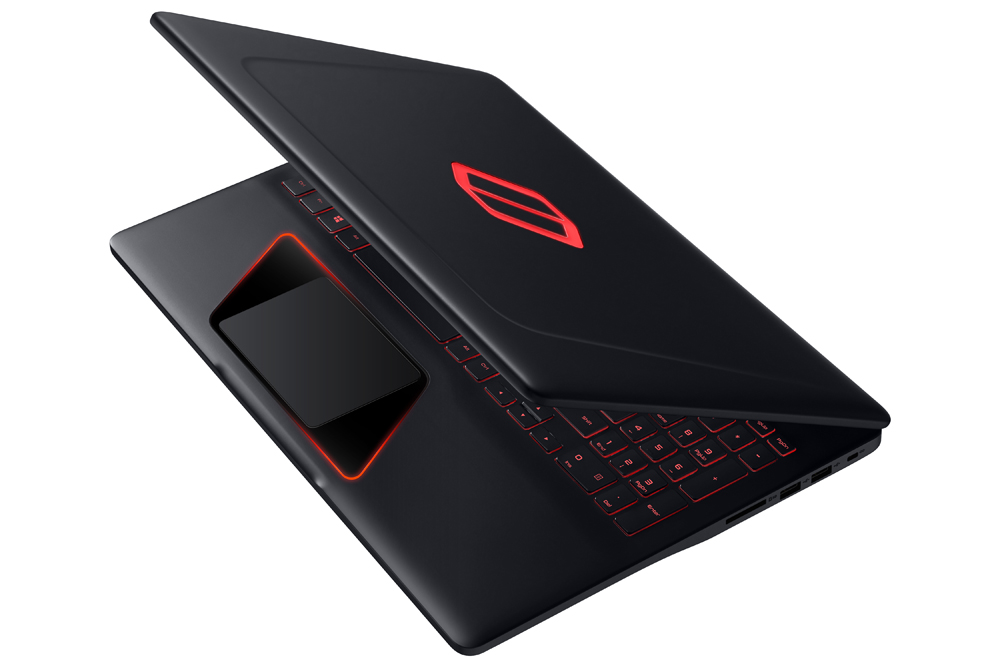
Long a big name in smartphones and mainstream notebooks, Samsung is preparing to battle Alienware,…
-
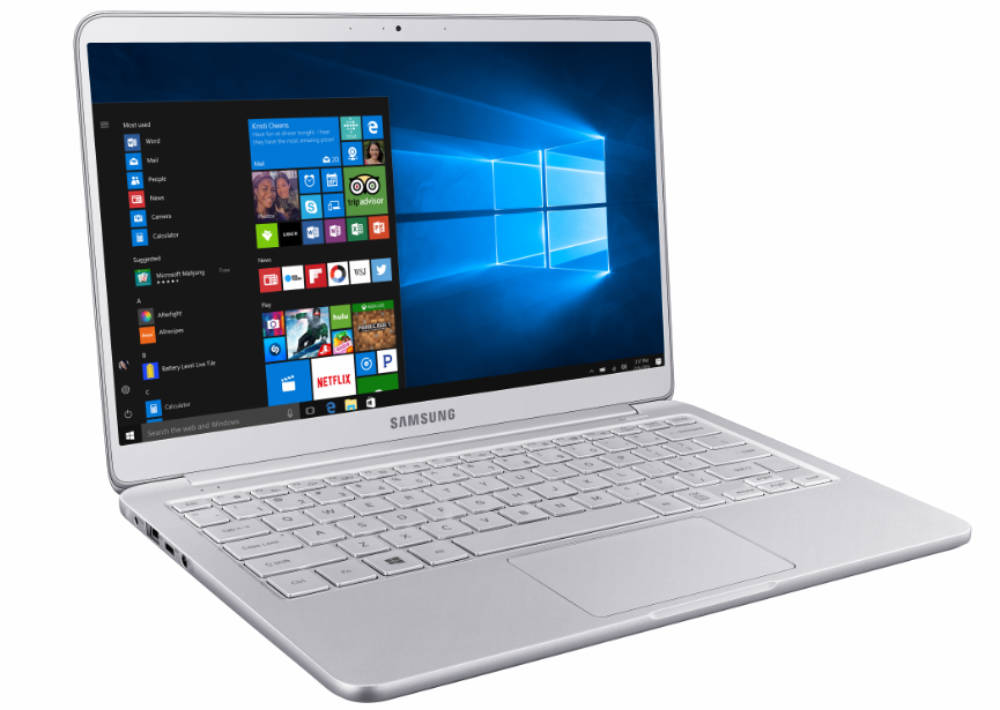
The Samsung Notebook 9 gets an update according to the company's CES 2017 announcement that…