The HP Mini 210 that was announced at CES in early January has finally made its way to consumers and the notebook news site NDevil has unboxed the HP Mini 210 HD model which ships with a higher resolution screen and Broadcom HD accelerator for better HD video playback.
In addition to showing off the glossy 10.1″ screen of the Mini 210HD NDevil shows off a really cool feature of the HP Mini 210 series; the ability to upgrade the RAM, and really much of the hardware without needing a screwdriver! HP showed us this cool feature, which basically lets you strip the Mini 210 down to it’s innards in under 20 seconds using only your fingers, at CES but wouldn’t let us film it there.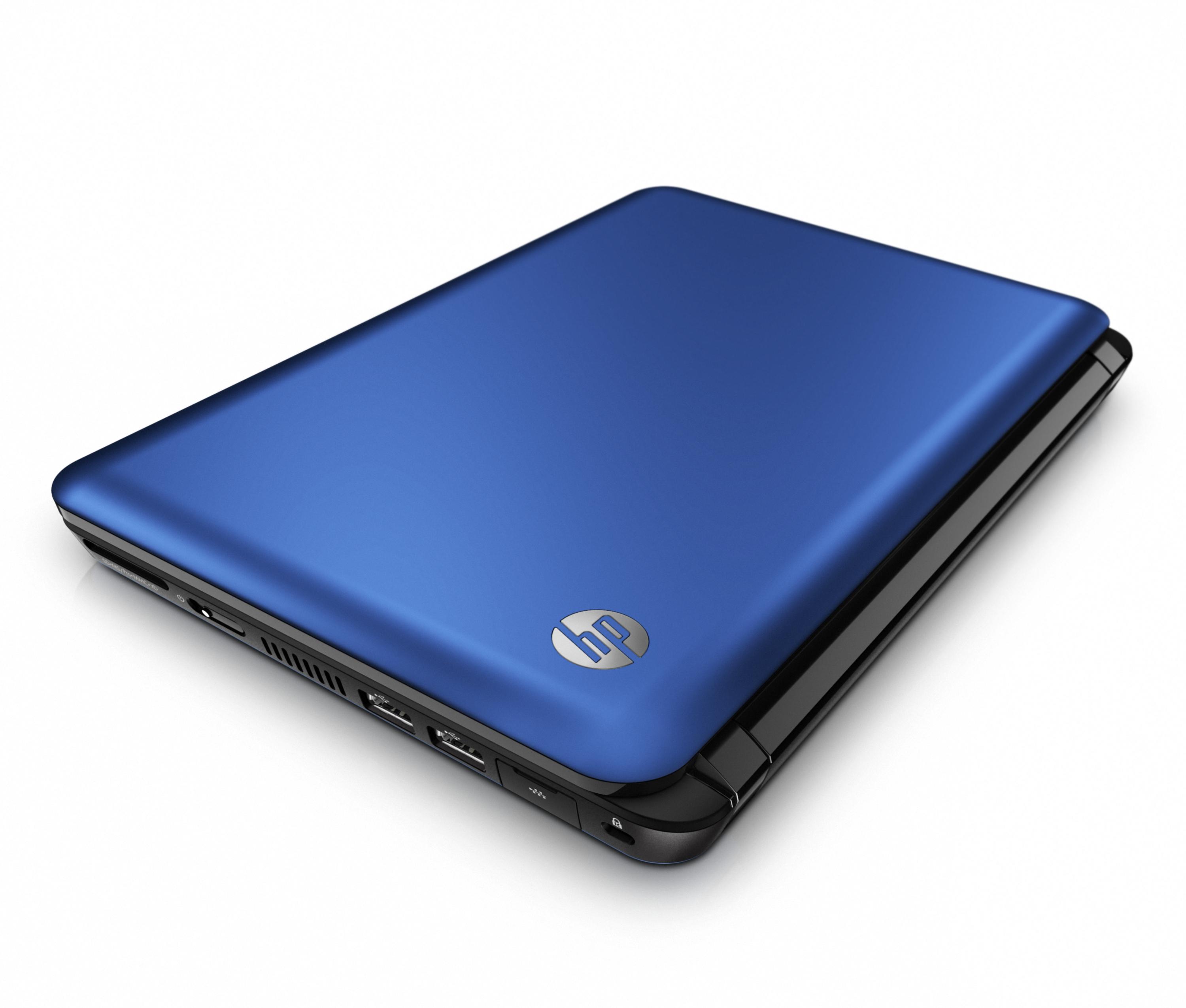
This makes changing the RAM, hard drive or pretty much anything else much easier and is a design I hope more manufacturers put into place.
Read the CES announcement for more details on the HP Mini 210.
How To Upgrade The Ram in the HP Mini 210 in 20 seconds without a screwdriver
HP Mini 210 unboxing
via Netbooked.net
Related Posts
-
Some Windows 10 PC makers are focusing on offering powerful hardware for less than you’d…
-
The newly announced HP EliteBook x360, announced at CES 2017, brings together both business class…
-
Windows PC maker HP is looking to go from an outlet that prizes utility to…