 ASUS has just announced the ASUS UL30Vt, a sleek 13.3″ Notebook, that offers an impressive mobile computing experience in a less than an inch thick brushed aluminum shell.
The ASUS UL30VT notebook can be configured to with a 1.4GHz Intel Core 2 Duo Processor, Up to 4 GB of DDR3 RAM and up to a 500 GB hard drive spinning at 5400RPM.
The UL30Vt also has the ability to switch between a battery friendly embedded Intel GMA X4500MHD graphic card and a more powerful NVida GeForce G 210M graphic card with 512MB of Video RAM.
The ability to switch between graphic cards gives you the choice between an hour of battery life and enjoying the power of the Nvidia graphics card. So if your World of Warcraft obsession has brought about a low battery indicator you can switch to the integrated card and finish your spreadsheet with a few minutes to spare.
Speaking of battery life the UL30vt claims 12+ hours of battery life, made possible by the ASUS Power 4 Gear technology incorporated into it. Power 4 Gear uses power wisely based on your preferences and current work as well as lets you turn off specific pieces of hardware to save battery life.
In addition to all of these features the ASUS UL30Vt also uses, “Turbo33 Technology” to enhance system performance by up to 33%. This is accomplished by using both a hardware and a software solution and it claims to offer a performance boost noticeable when playing videos and performing other multimedia activities.
From the looks of it the UL30Vt is going to deliver a better experience than the current UL series notebooks and look sexy while doing it. Keep in mind, that even with the switchable graphics you still won’t want a UL series notebook if you use resource hungry applications.
Despite the use of terms like, “Turbo33” and “Power 4 Gear” that remind me of the stickers on my first 486 SX desktop, ASUS may have a real winner on their hands. In fact, if this notebook had backlit keys, you might see me trading in my netbook.
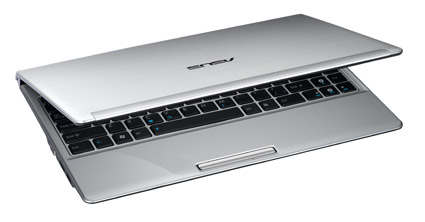
There is no current information available on pricing or release, but it wouldn’t be unheard of for the UL30Vt to start around the $700-800 range that the current Asus UL30 sits in.
ASUS UL30Vt Specification:
| Brand | ASUS |
| Model | UL30Vt |
| Processor | Intel® Coreâ„¢2 Duo Processor SU7300 : 1.4 GHz
Intel® Celeron® Processor SU2300/743 : 1.2 GHz |
| diagonal screen size | 13.3 inches |
| Memory | 3 GB DDR3 1066 MHz SDRAM, 2 x SODIMM socket for expansion up to 4GB SDRAM |
| hard drive capacity | up to 500 GB |
| screen resolution | 1366×768 |
| Dimensions and Weight | 32.2 x 23.3 x 1.48~2.46 cm (W x D x H)
3.3 pounds with 4 cell battery |
| optical drive | None |
| operating system | Genuine Windows® 7 Ultimate
Genuine Windows® 7 Professional Genuine Windows® 7 Home Premium Genuine Windows® 7 Home Basic |
| wireless connectivity | 802.11b/g/Draft-N, Built-in Bluetoothâ„¢ V2.1+EDR (optional) |
| network connectivity | 10/100 Ethernet |
| Modem | no |
| webcam with microphone | yes |
| numeric keypad | no |
| Ports | 1 x Microphone-in jack
1 x Headphone-out jack 1 x VGA port/Mini D-sub 15-pin for external monitor 3 x USB 2.0 ports 1 x RJ45 LAN Jack for LAN insert 1 x HDMI |
| memory card reader | 4 in 1 card reader, SD,MMC,MS,MS-Pro |
| video graphics | Embedded Intel® GMA X4500MHD & NVIDIA® GeForce® G 210M with 512 MB VRAM- switchable graphics |
| integrated speakers | Altec Lansing® speakers |
| audio hardware | SRS Premium Sound |
| Energy Star qualified | yes |
| warranty length | 2-year limited global hardware warranty *different by country
1-year battery pack warranty |
| Battery Life | 12+ hours on a single charge. |
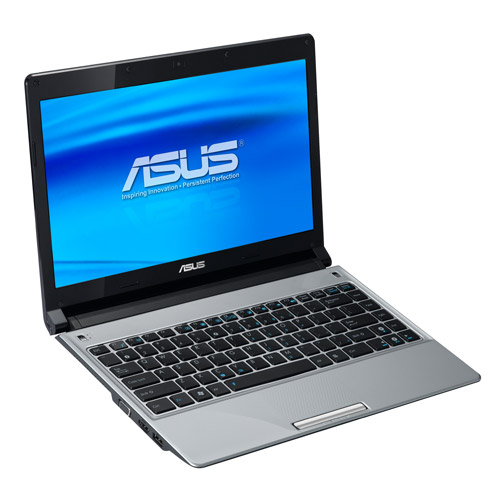
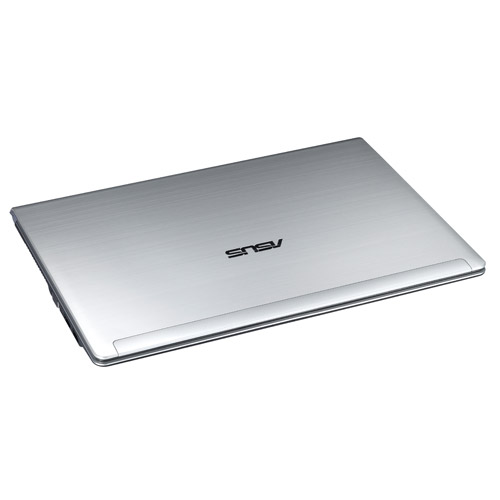
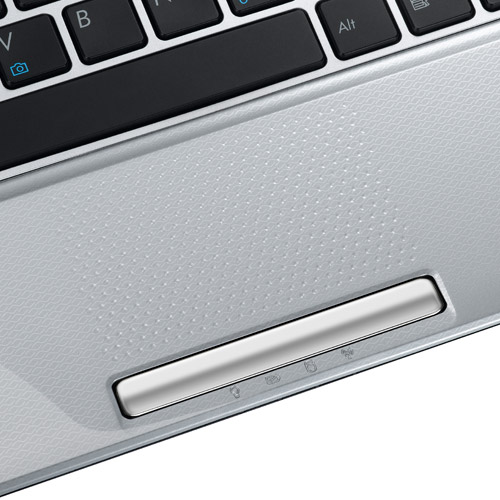
Additional Images of the ASUS UL30Vt:
Related Posts
-
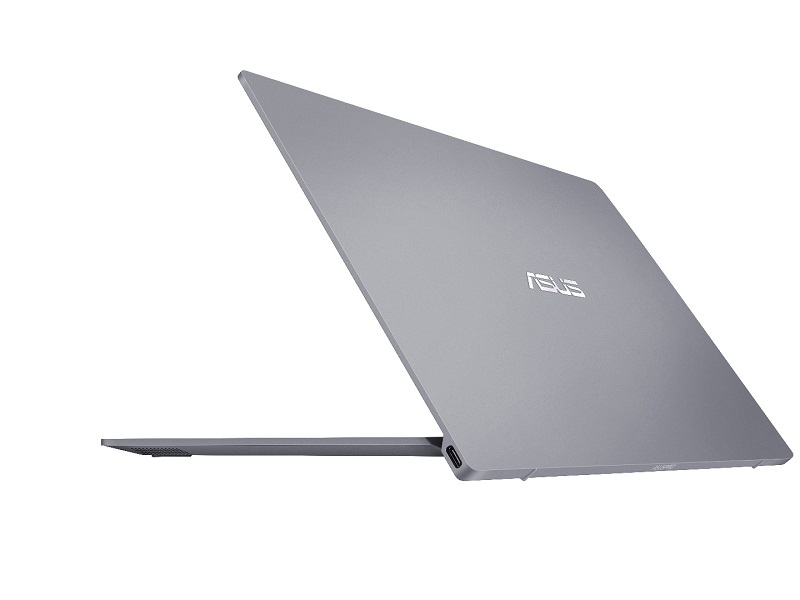
Keen to muscle in on the huge market for business notebooks running Microsoft’s Windows 10…
-
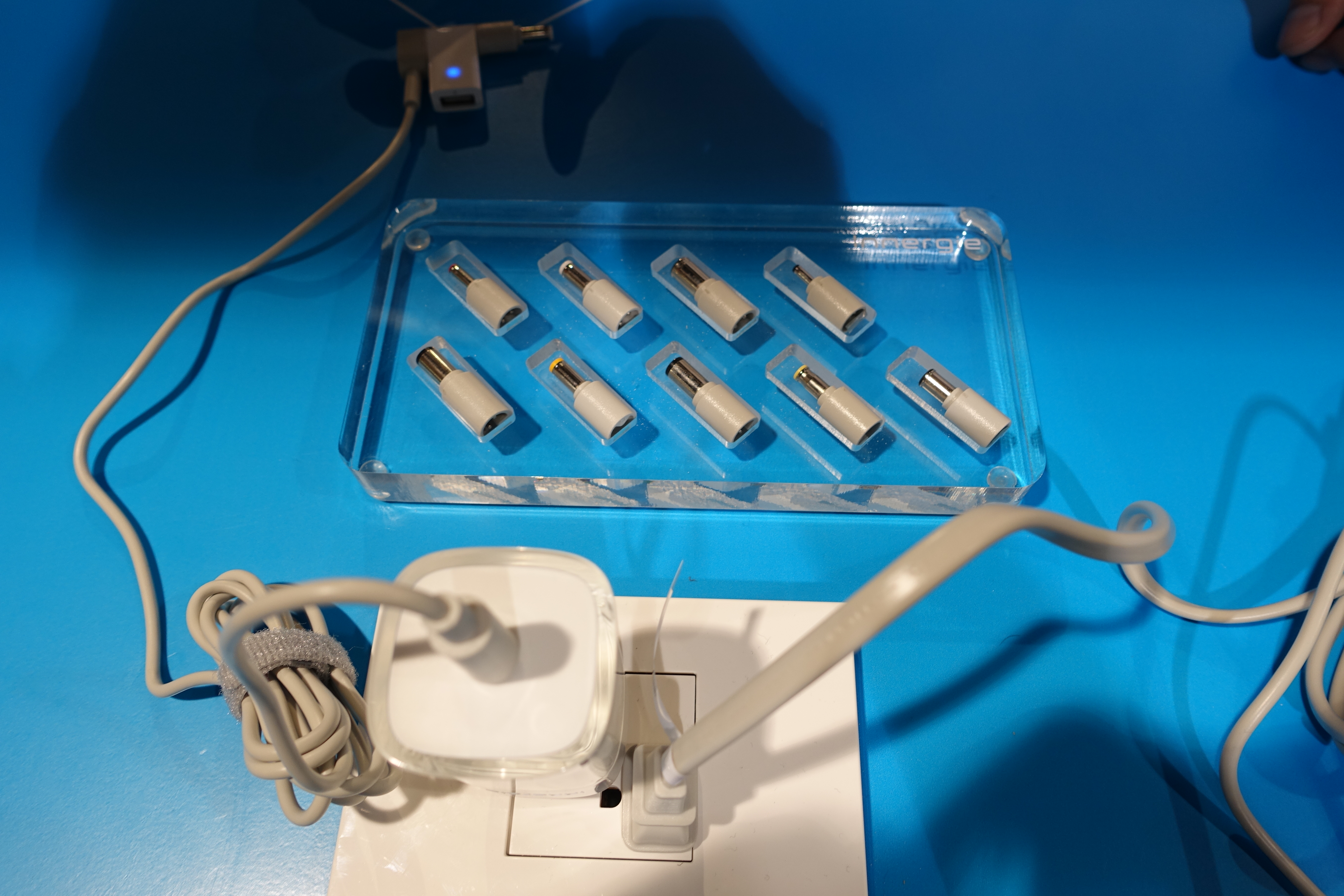
Carrying a bulky charger can really cut down on the portability of your notebook. We've…
-
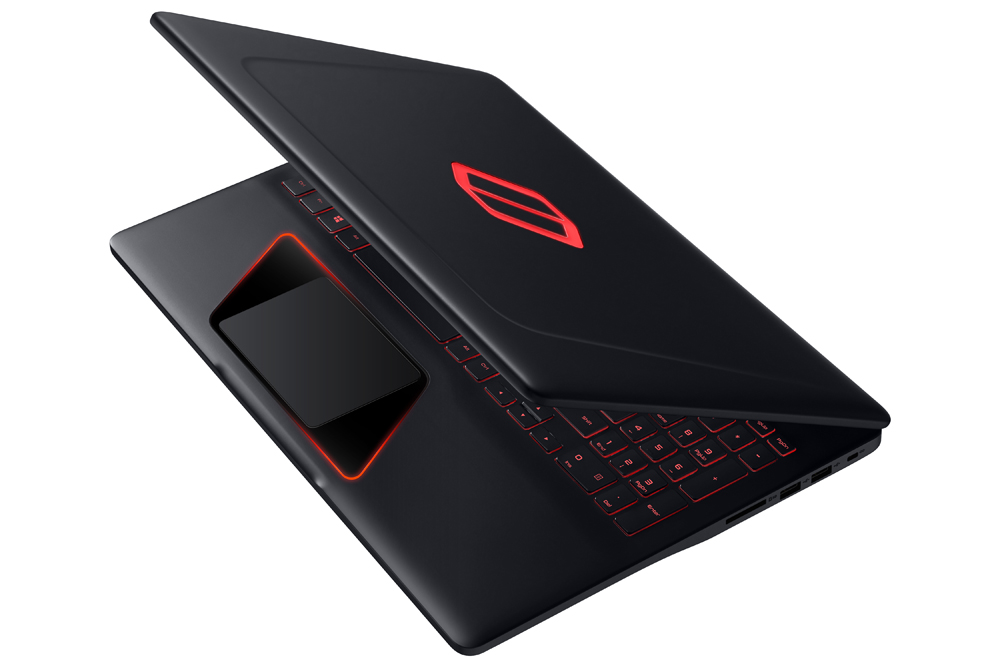
Long a big name in smartphones and mainstream notebooks, Samsung is preparing to battle Alienware,…