Thats right… I am one of those goofballs that likes to update my iPhone firmware as soon as it comes out. How else would I be able to tell you that its safe to proceed? In any case, at about 10:20 am PST Apple released the much anticipated iPhone 3.0 OS update. Last year Apple primarily gave us the ability to download and use apps. This year we are seeing a ton of additional improvements including the belated “cut & paste” function which empowers you to do… you guessed it, cut and paste text and images across applications! The new features I am looking forward to test driving most are Spotlight search across all iPhone data, voice memos, and yes… the previously mentioned cut & paste.
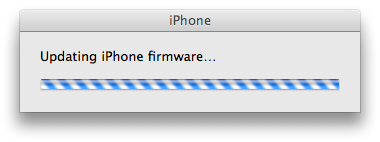
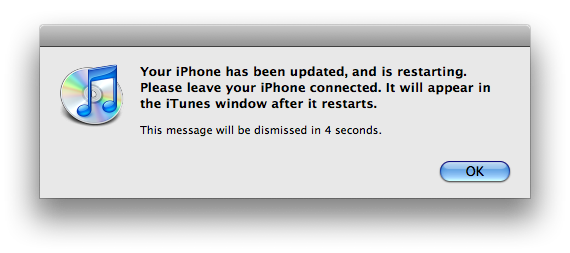
The new update came in at a fairly slim 230 MB and took me about 10-15 minutes to complete. To my knowledge, that was an extremely fast update compared to last year’s 2.0. For those of you who have not updated yet, here is a quick checklist for you before you get into all the 3.0 goodness.
- Update all of your apps on your device or via iTunes.
Most of the app developers have provided OS 3.0 compatible updates to their software. There are sure to be stragglers, but update what you can now.
- Synch your iPhone to backup your data.
Once in a while things don’t go according to plan. Before updating your iPhone I strongly suggest that you synch your device and wait patiently for it to backup all of your data. This is your rescue when things go wrong.
What do you think of the update?
Related Posts
-
Today, Apple updated its most portable MacBook ever with a spec bump and a press…
-
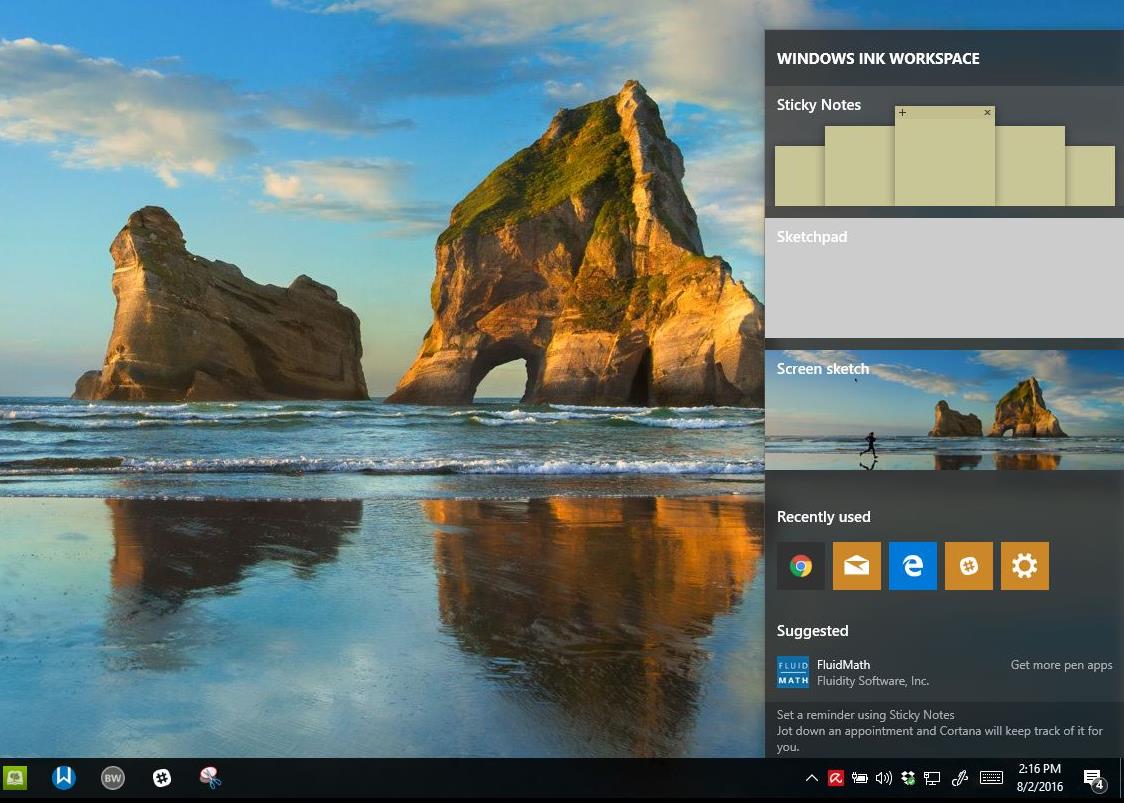
On August 2, 2016 the Windows 10 Anniversary Update came out with some cool new features…
-
With recent updates to the Mac's OS X El Capitan, and the new iOS 9.3,…