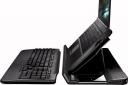
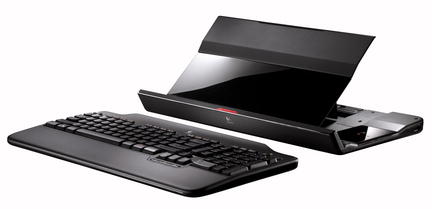
 Logitech’s announcing the Alto Cordless Notebook Stand later today. The latest notebook stand in the Alto line features a wireless keyboard, making it a simple We got our hands on an early review unit and think it’s a great solution for anyone looking for a simple docking solution that can be set up nearly anywhere.
The Logitech Alto Cordless Stand is easy to setup. Simply unlatch the riser portion of the stand, snap it into place, connect a single USB cable and you’re ready to go.
If you’re on your notebook for several hours a day or use your notebook on a low surface such as a coffee table, you should really consider purchasing a stand. Raising your notebook forces you to have better posture and using a full sized keyboard can be easier on your hands and wrists.
The cordless keyboard is a great improvement over Logitech’s previous Alto model that included an attached keyboard. The cordless keyboard minimizes the amount of surface you need to set up the stand and offers more comfort and flexibility. The keyboard has a numeric keypad and a padded palm rest. Media controls and hotkeys make it easier to navigate through your favorite applications. It runs on a pair of AAA batteries.
The stand has three non-powered USB 2.0 ports, turning it into somewhat of a docking solution. This makes it more convenient to connect to your peripherals, but if any of them require a powered USB port, you’ll have to opt for a $20 AC adapter. This is something I think Logitech should bundle with the stand.
The Logitech Alto Cordless Notebook Stand folds into a very small, compact package for easy storage. This is great for students, or anyone with multi-purpose live/work space.
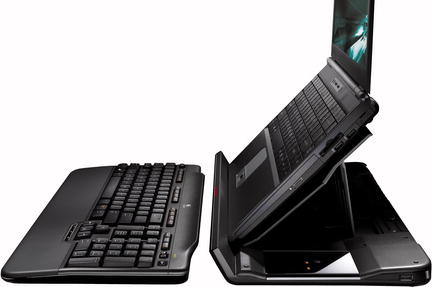
While I was impressed with the stand’s design overall I wish Logitech would’ve made the angle of the riser adjustable. It’s set at 45-degrees, which is fine for most notebooks, but too sharp of angle for some of the latest popular consumer notebooks. The HP Pavilion 6500 series and the latest MacBook Pros have screens that won’t open at a wide enough angle, meaning you’ll have to prop the stand back slightly if you want your screen to be perfectly vertical.
As with most all Logitec products we see the packaging and build quality of the Alto Cordless Notebook Stand is excellent. It will be available through most major electronics retailers starting in September for $99 and comes with a five-year warranty.
Related Posts
-
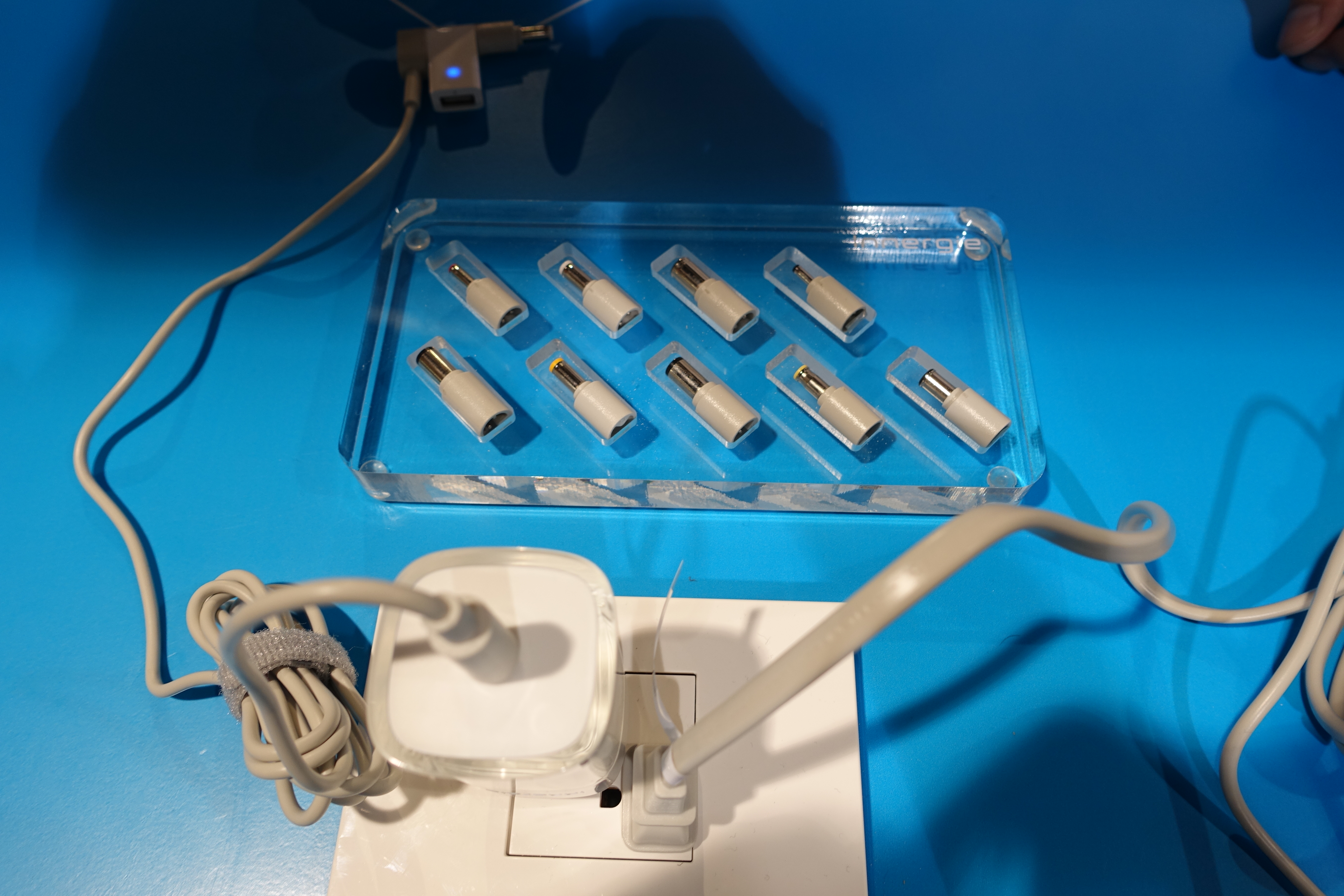
Carrying a bulky charger can really cut down on the portability of your notebook. We've…
-
Long a big name in smartphones and mainstream notebooks, Samsung is preparing to battle Alienware,…
-
The Mission Mercantile Laptop Sleeve and Laptop Sleeve Vertical are a beautiful way to carry your…