
Here’s a video tutorial on how to install memory (RAM) in your notebook. Adding more memory to your notebook can significantly improve your system’s performance and something most users can do themselves.
If you’re comfortable using a screwdriver, you should have no problem swapping out your notebook’s memory. Remember that manufacturers design notebooks easy to upgrade, so don’t force anything.
Related Posts
-
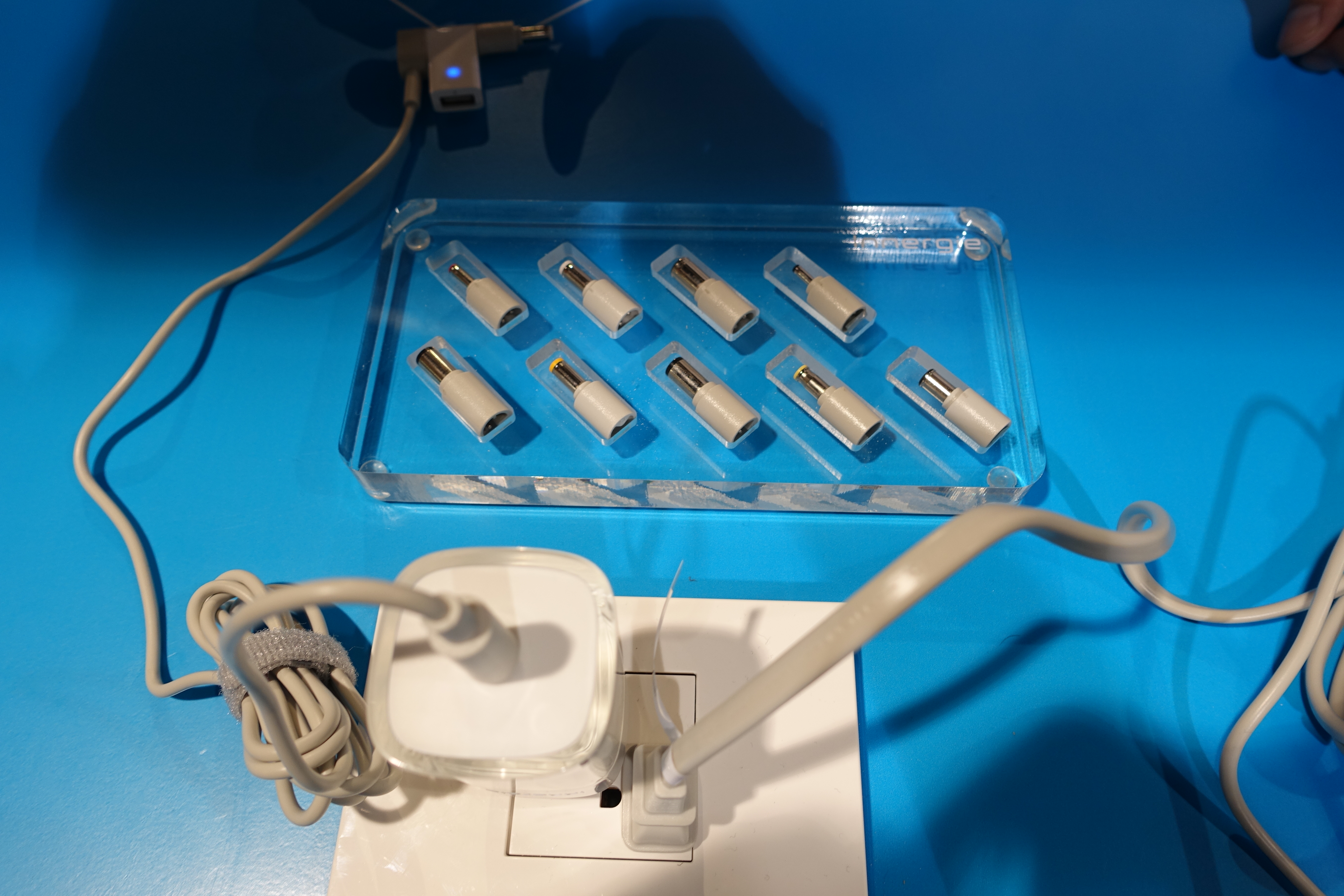
Carrying a bulky charger can really cut down on the portability of your notebook. We've…
-
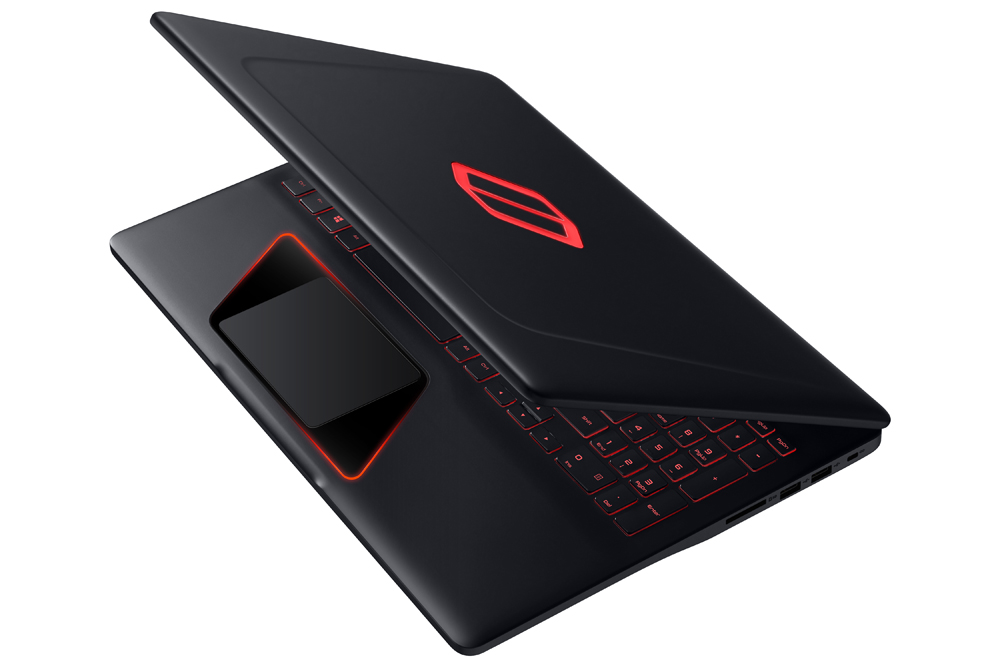
Long a big name in smartphones and mainstream notebooks, Samsung is preparing to battle Alienware,…
-
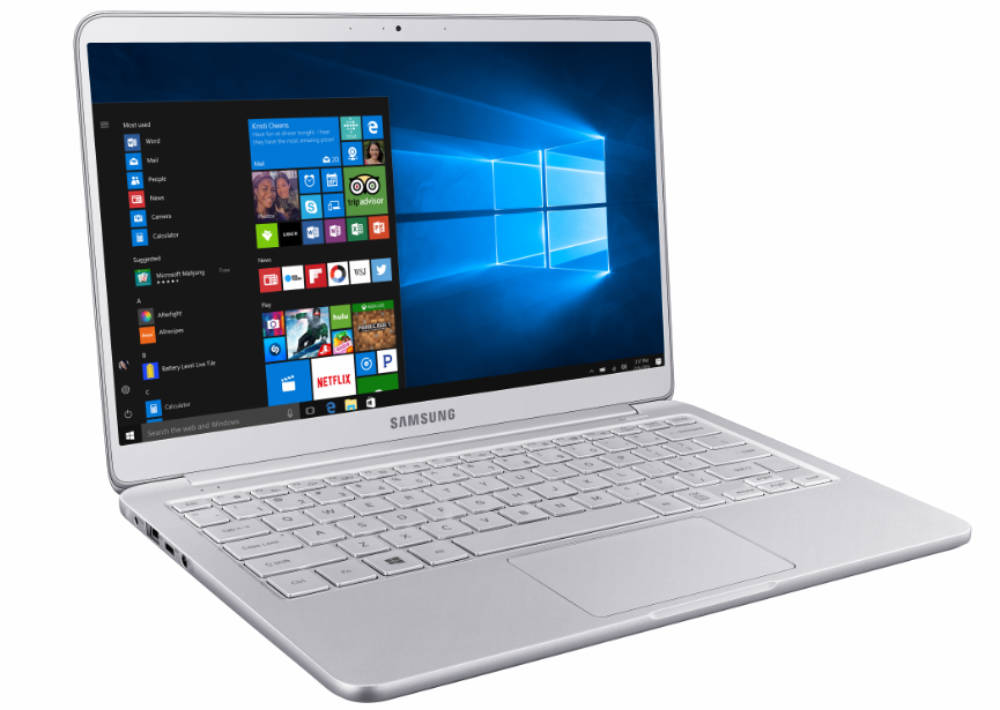
The Samsung Notebook 9 gets an update according to the company's CES 2017 announcement that…