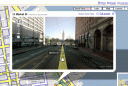
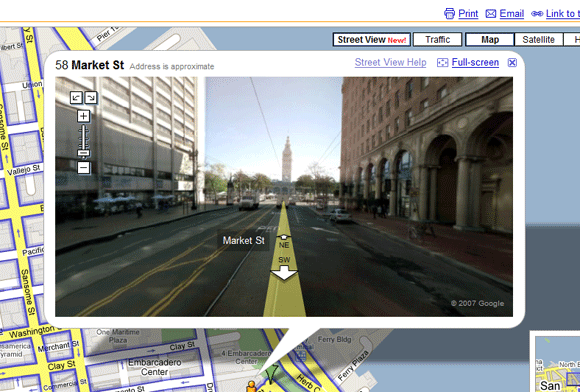
 Google Maps has a new feature called “Street View” that lets users browse cities from the perspective of a vehicle driving about town. The service captures storefronts, residences and roadways to help users visualize their destinations.
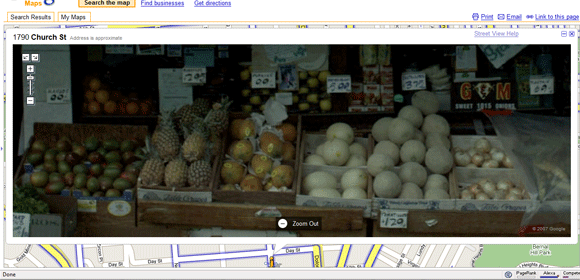
Google Maps Street View images are extremely detailed (see the fruit selection at my local produce store below) and easy to navigate.
To see Street View, go to maps.google.com, search for a major city such as New York or San Francisco and select “Street View” from the top-right of the map.
Street Views is only available in major cities for now.
Related Posts
-
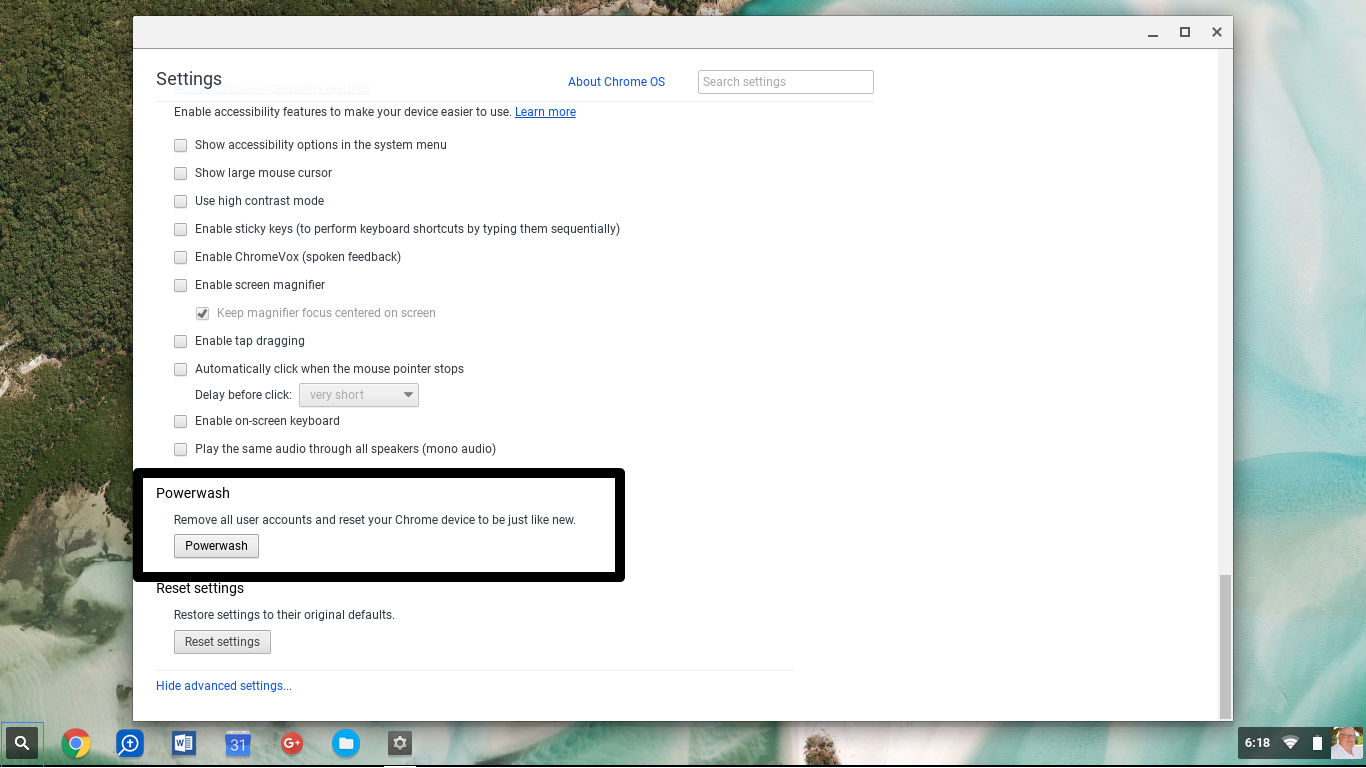
The process of erasing a computer and reinstalling the operating system and software can take…
-
If you're looking for a cheap laptop, it's hard to miss the wave of inexpensive Chromebooks. But…
-

Did you know that Chrome has its own task manager, entirely separate from the one…